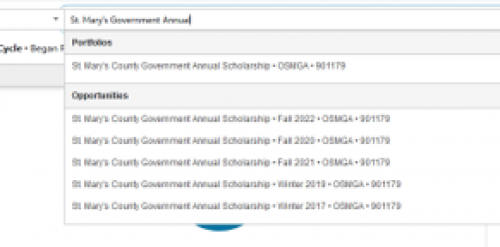
Is there anyway to change the order in which opportunities are listed when utilizing the search function on the dashboard page? Since we have been utilizing Award Management for a number of years, we have many opportunities that have more cycles than are visible within the drop down menu. It would be a great feature to be able to have the opportunities listed from most recent award cycle (both yearly / new and also renewals) to older years. We often have to select the Portfolio option and then select the Active Opportunities to access the “current” application cycle. For example, in the screenshot below, we are unable to access the Fall 2023 cycle without selecting the Portfolio option first.