We're giving this blog post a bump (and slight update), as the new navigation will soon roll out to everyone! To help ease navigation, you'll soon be able to manage multiple resources from the same location where you access feature areas within
Financial Edge NXT. If you've already received the new navigation, here's a quick overview of what's what. Otherwise, here's a preview of what to expect!
Jump between products. If you use multiple
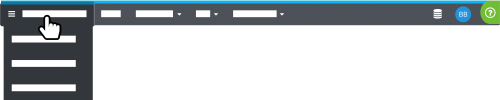
Blackbaud products that support Blackbaud ID, you can seamlessly switch between them and
Financial Edge NXT.
Open database view or another database. T
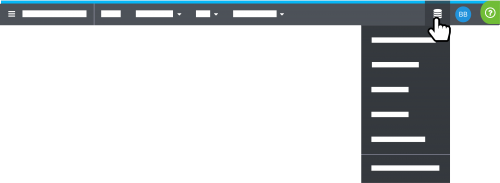
o access the settings and features of the database view, select
Database (the database icon),
Open database view. If you have multiple databases, you can also choose which one to use. For more information, check out the
Database View Help.
Manage your personal settings. To manage your personal account details, select your initials.
- To manage your Blackbaud ID andpassword used
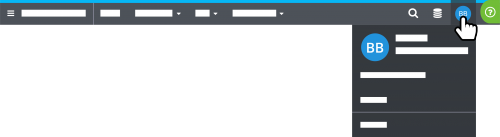 to sign in to Financial Edge NXT, select Blackbaud ID profile.
- To manage your Blackbaud account and subscriptions, select Account.
- To securely sign out of Financial Edge NXT, select Sign out.
Get answers. For helpful information about what you're working with, or for resources like Support or this very Community, select
Help (the question mark).
