Read time: 3:00 minutes
Check out these new Journal entry batch enhancements we released today!To improve efficiency as you work with journal entry batches, we made the following enhancements:
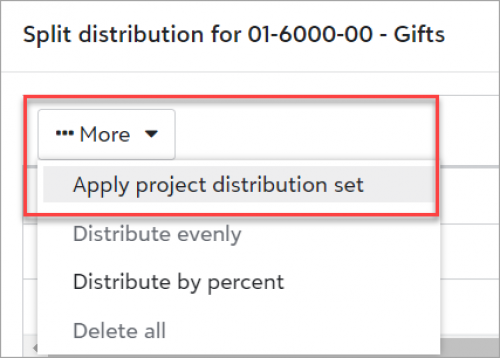
Apply project distribution sets when splitting distributionsWhen you add or edit a regular or recurring amount batch, you can now apply project distribution sets when splitting distributions. From the split distributions screen, select
More,
Apply project distribution set to apply predefined sets that you created in General ledger, Settings, Distribution sets.
 Save and post a batch
When you add or edit a regular batch and choose
Approved as the batch status, you can now select
Save and post.
 Run a batch detail report
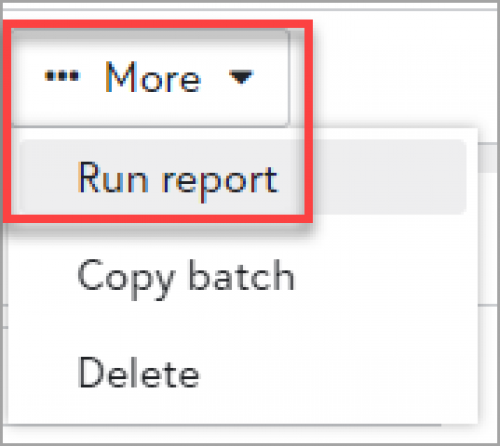
To create a batch detail report for a regular batch, you can now select
More,
Run report from the action bar of a batch record. Choose from existing batch detail report parameters, then select
Run.
 Select a journal reference when copying
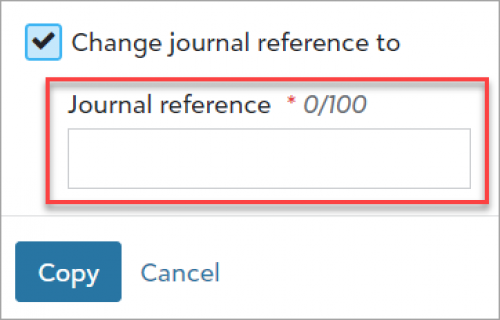
You can now specify a journal reference in two additional ways:
- Add a regular batch and choose Copy from recurring batch.
- Select Copy batch from the action bar or menu of either batch type, and choose to copy a regular batch type.