The Community is a great place to build and nurture your professional network and connecting with other members is a great way to facilitate that growth.
The easiest way to find and connect with members is to use members menu at the top of the Community.
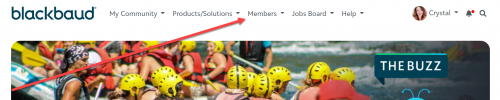
If you click on "members," you will be taken to the members search page.
Here you see a list of all members of the Blackbaud Community.
The filters default to "most recent," which means that the members that appear on this page, are the most recent members to the Blackbaud Community.
You can filter the members list in several ways, located on the left-hand side of the page, including by: product/solution interest, job role(s), organization type, organization name, and by location.
Once you've found the members you'd like to connect with, just click on their name and then click "connect."
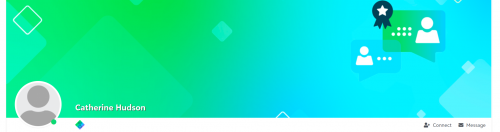
It is that easy!
Finding Members from the Members Tab in a Product CommunityNavigate to a product community using either the "My Products" list on your MyCommunity Dashboard or using the Products Menu at the top of the site. Once you are in a product community, locate the members tab in the product-specific navigation and click it.
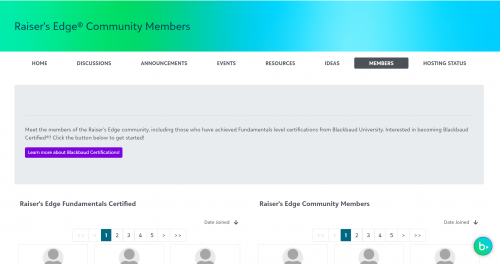
The product members page show you only people who are members of that specific product community, as well as members who have earned their Blackbaud certification in that product.
Once you've made new connections, feel free to write a quick note to say "Hi!" on their profile wall and introduce yourself.

You can even browse the new members daily, click on their profile, and welcome them to community by writing on their wall.
Sending connection requests is just one important step in your community journey. Click
here to learn the five basic actions to take in community to help you get the most out of your experience!