In the information age, when we have a question we expect to find an answer online. If a similar question has been asked in Community, global search can help you find the members' answers.
The global search bar is found on the
home page. This search bar searches
everything in the
entire Blackbaud Community.
Every product, every area, everything. So while there are times (that I'll talk about in a minute) where this is useful, be prepared to engage some filters on your search results.
Here's an example: Let's say I am interested in learning more about peer-to-peer fundraising. I can type that into the search bar (hint: if you want that specific phrase, use quotation marks around the phrase, otherwise search will return any result that has any of those terms in it).
Now you are on our search results page. My search returned LOTs of entries. The number of results may vary, based on your permissions in the community.
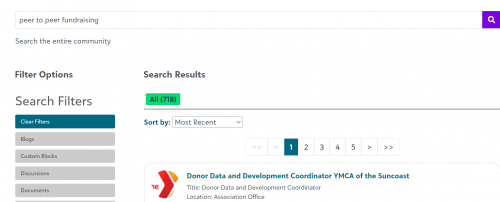
Let's employ some filters.
First, I'm going to sort my results so I see the most relevant results first. Now you will see content with your search phrase in their titles at the top of the page. This is helpful as you assess what type(s) of content are available.
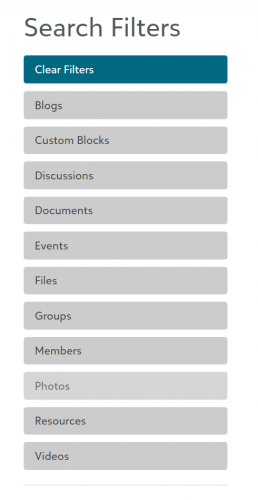
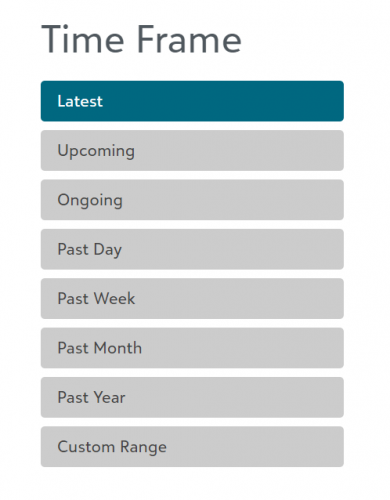
You can also filter requests by file type and time filters.
If you type something much more generic, like "fundraising," into the search bar, the number of results would become overwhelming very quickly and you may want to be able to filter by product.