With
SKY Reporting, you can build tables and charts — as
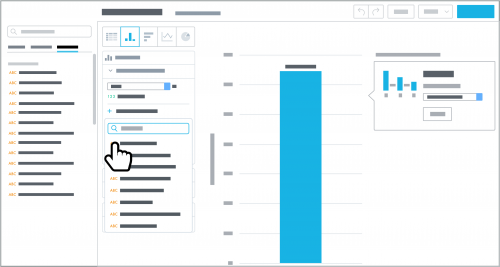
insights — to analyze measures, such as invoice totals or campaign goals. To narrow the focus of a measure, you can now apply multiple — up to 20! — attribute filters. (Previously, you could apply only one attribute filter directly to a measure.)
To apply filters to a measure, select it under
Measures in the insight, select
Add attribute filter, and choose the attributes and criteria of the records to include in its number-crunching.
