A couple weeks ago,
SKY Reporting introduced the ability to
filter a measure within an insight by a general date range, such as to only include records from This month or 2 quarters ago. To help narrow the focus of a measure in an insight, you can now filter it by a
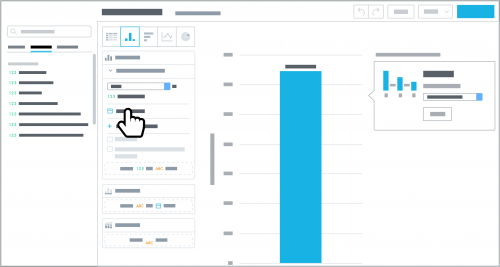
specific time frame. To filter a measure by a specific time frame, select it under
Measures; select
Filter by date and choose the date to include (such as when records are added); and then select Range, choose the start and end dates, and select
Apply.
Note that when you apply a date filter to a measure, it ignores any date range set by the insight's date filter. However, it respects the type of date set by the insight's filter.
