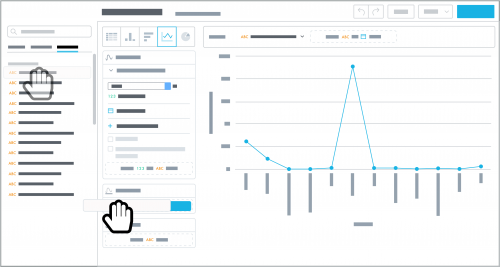
To analyze constituents based on when their records are added, such as to gauge donor acquisition over time, you can now use new
Constituent date added attributes in
Analysis.
- Constituent date added, calendar — When the constituent was added, based on the calendar year of January to December.
- Constituent date added, fiscal — When the constituent was added, based on the fiscal year set up in the database view.
When you design an insight, you can apply these attributes or use them to filter a measure.
- To design an insight, apply the Date filter, select the attribute, and choose the interval to break down the measure by, such as Year or Quarter.
- To filter a measure in an insight, select the measure or count under Measures, select Filter by date and the attribute, and choose the time period to include.
To further fine-tune your analysis, apply additional attributes or filters such as
Constituent primary code or
Constituent wealth rating. For more information, see the
Insights Help.
