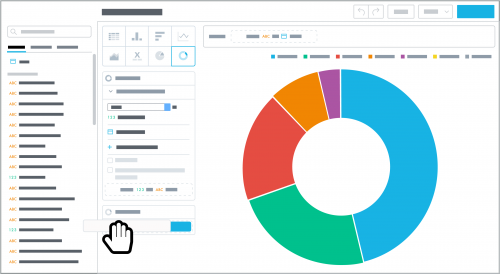
When you design an insight in
Analysis, you can now choose to display its data as a donut chart. A donut chart displays the data as a ring divided into slices — like, well, a
doughnut — to represent each category's proportion within the whole.Similar to a pie chart, use a donut chart for general comparison, such as:
- Multiple related measures
- A measure by a specific time period, such as fiscal year or quarter
- An attribute's categories within a single measure
To design an insight as a donut chart, select
Donut chart and choose the measure and attribute to analyze. To ease analysis, a donut chart can have no more than 20 slices. If an attribute has too many categories, apply a filter to narrow its focus.
Time to make the donut charts!
