Financial Edge NXT recently updated with insight enhancements.
Headlines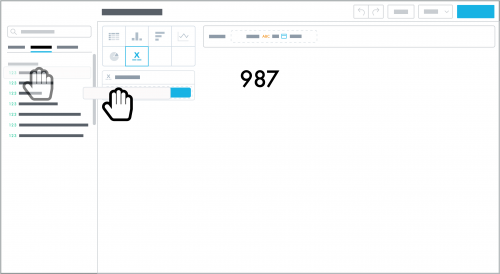
To quickly summarize a measure's amount, similar to a key performance indicator (KPI), you can now design an insight as a headline. We recommend you use a headline to quickly track a measure at a glance, on a regular basis.
To design a headline, select
Headline in
Analysis,
Insights, and choose the measure to analyze. After you save a headline, you can add it to your dashboard. Note that a headline insight contains no attributes but
can include attribute filters.
Stacked Area Charts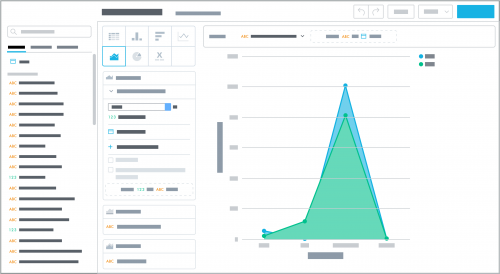
To track continuous data — such as revenue received over time — and visualize underlying patterns within the data, you can now design an insight as a stacked area chart.
While similar to a line chart, a stacked area chart can help compare part-to-whole relationships, as it better shows how the attribute's characteristics contribute to the cumulative total. To design a stacked area chart, select
Stacked area chart in
Analysis,
Insights, and choose the measure and attributes to analyze. After you save a stacked area chart, you can add it to your dashboard.
For more information about both enhancements, see the
Insights Help.
