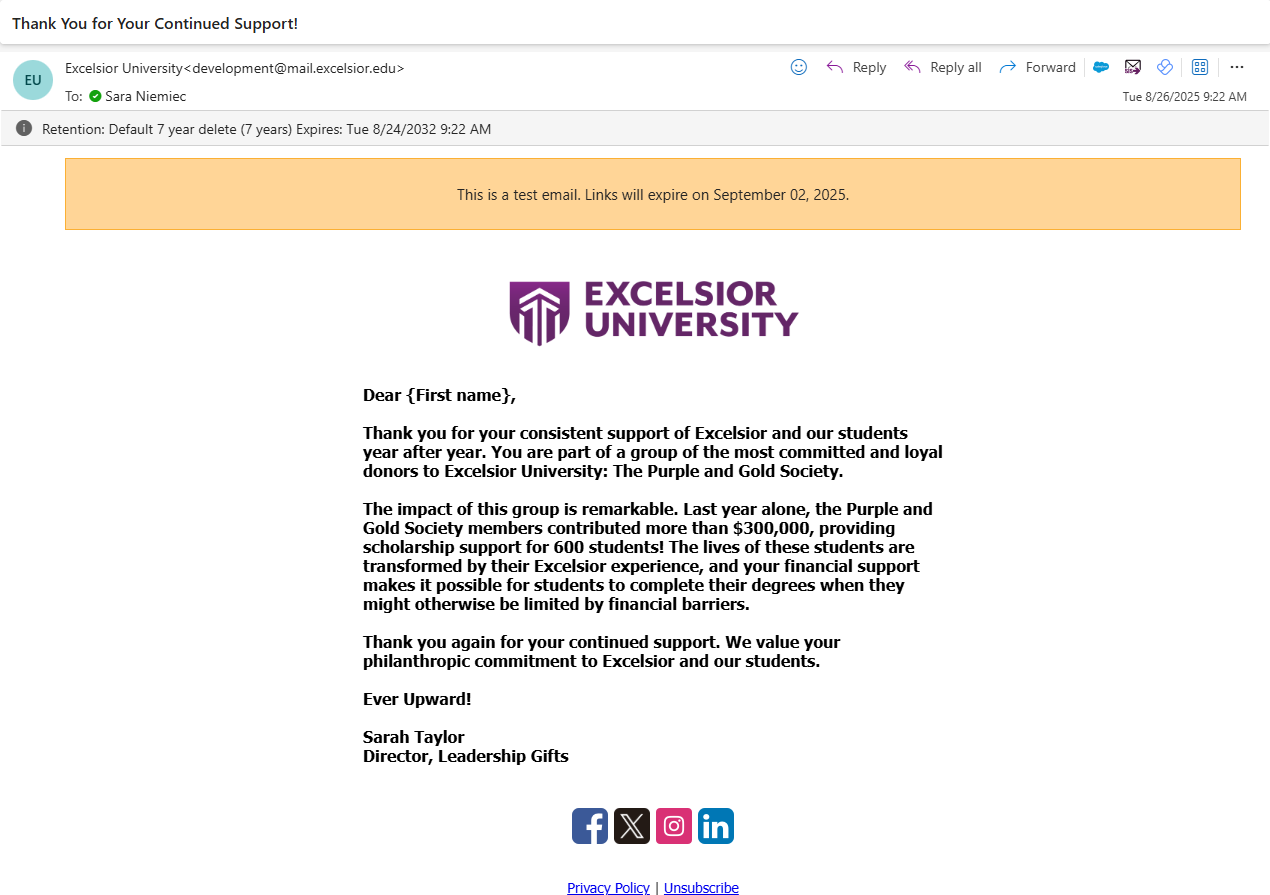
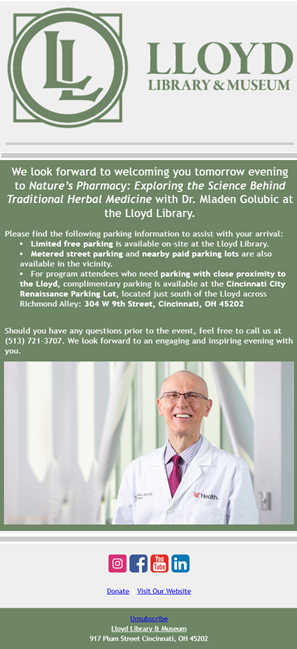
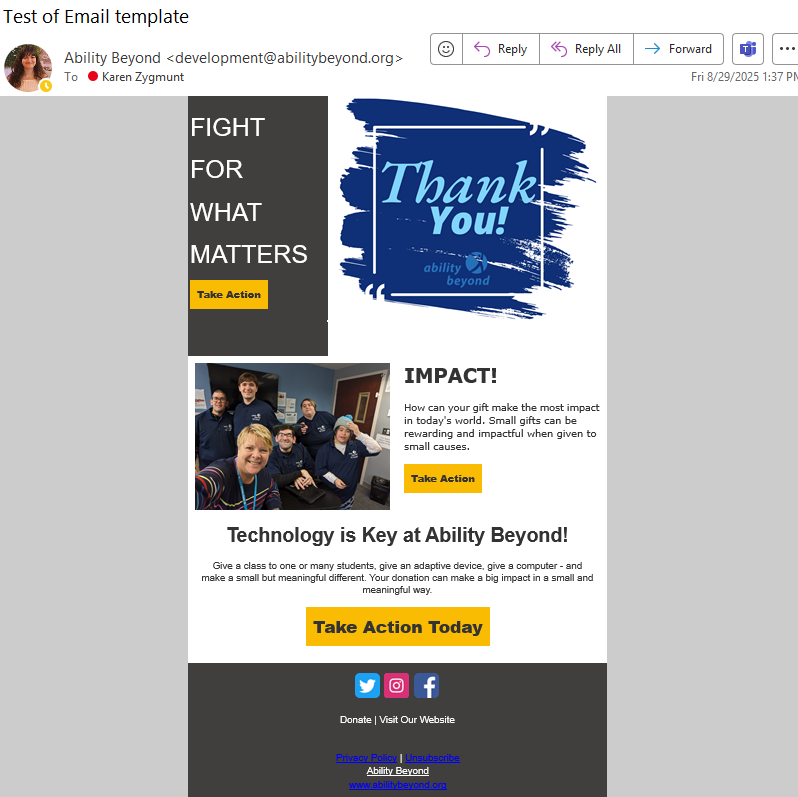
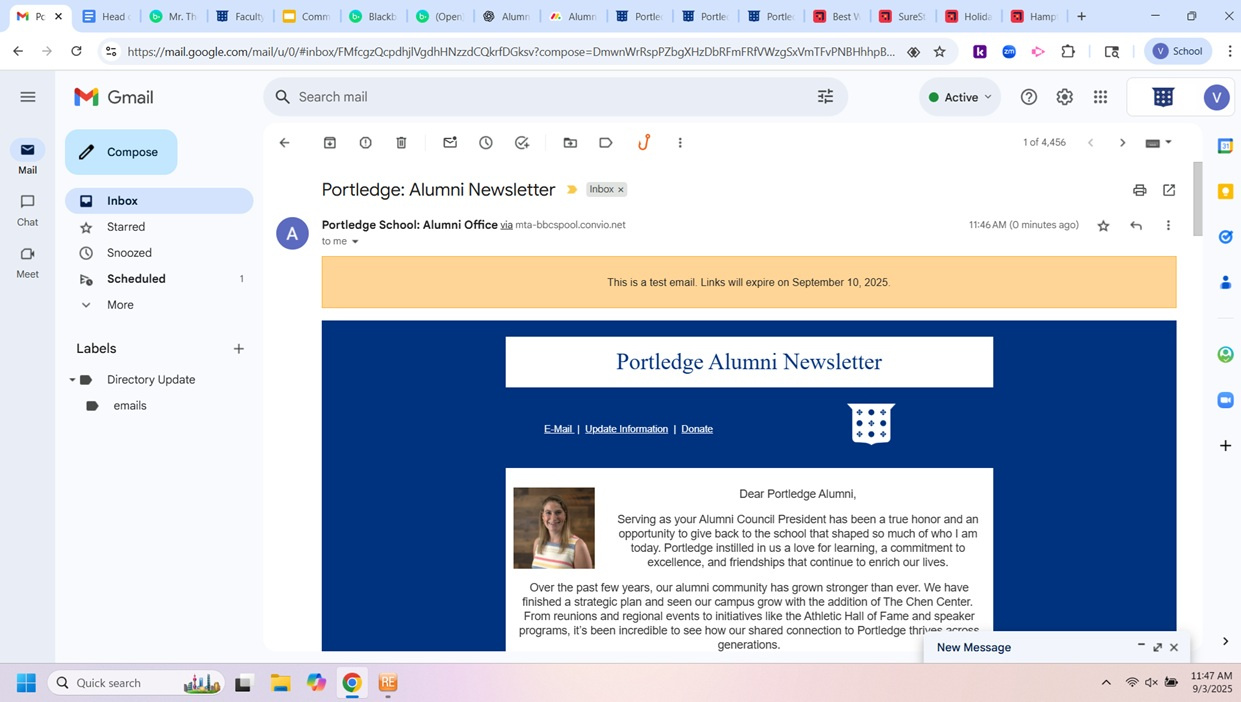
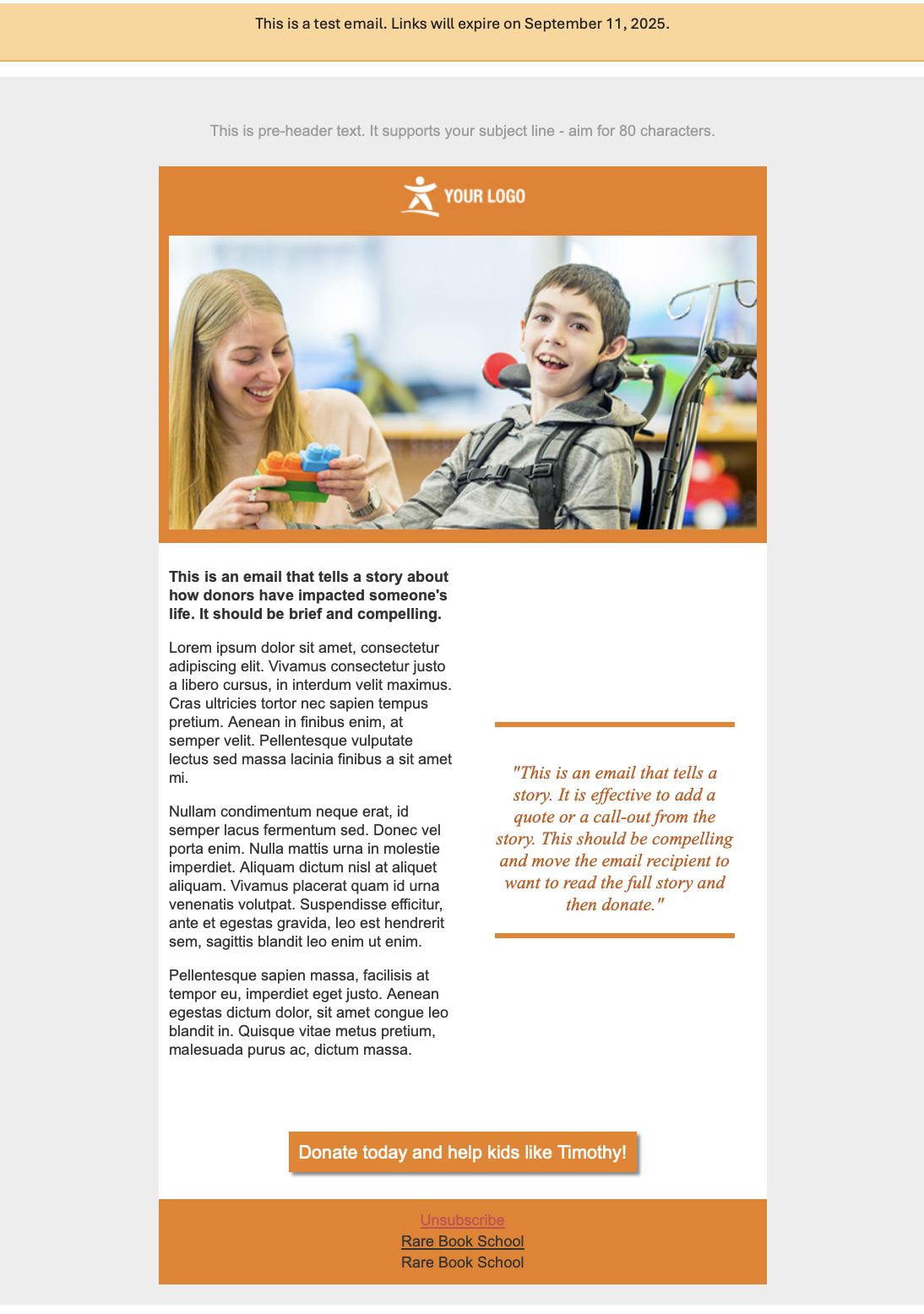
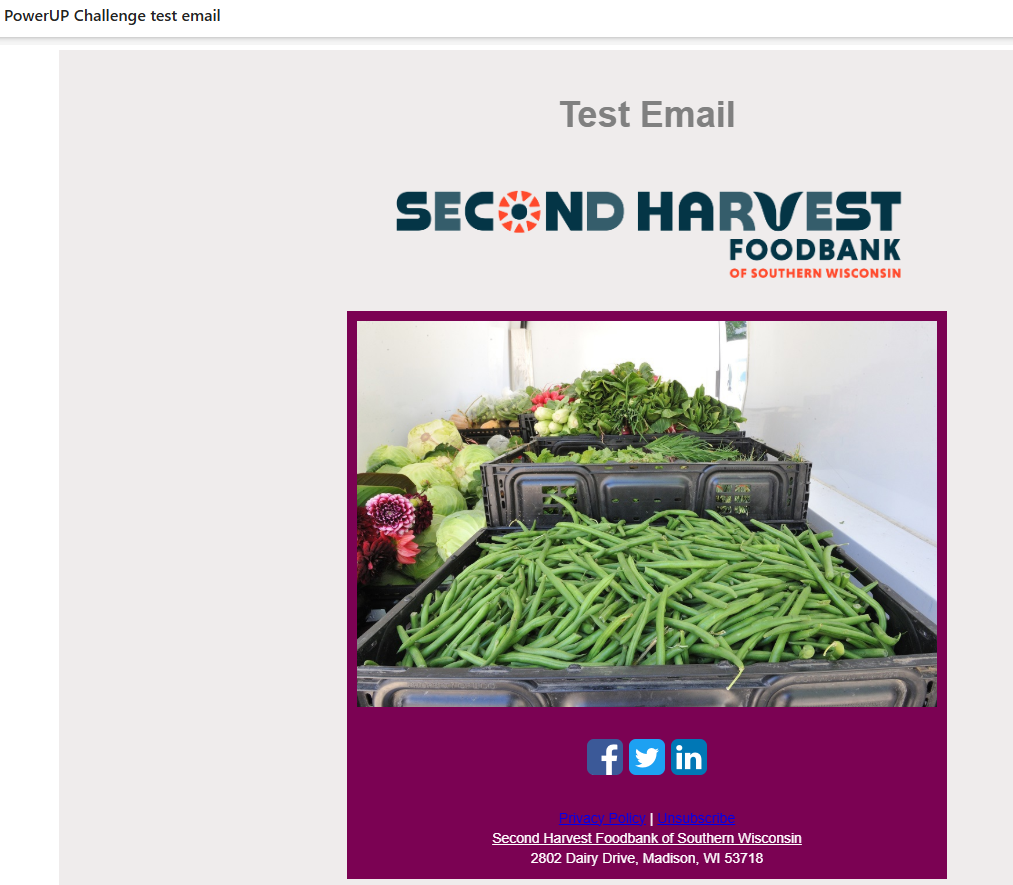
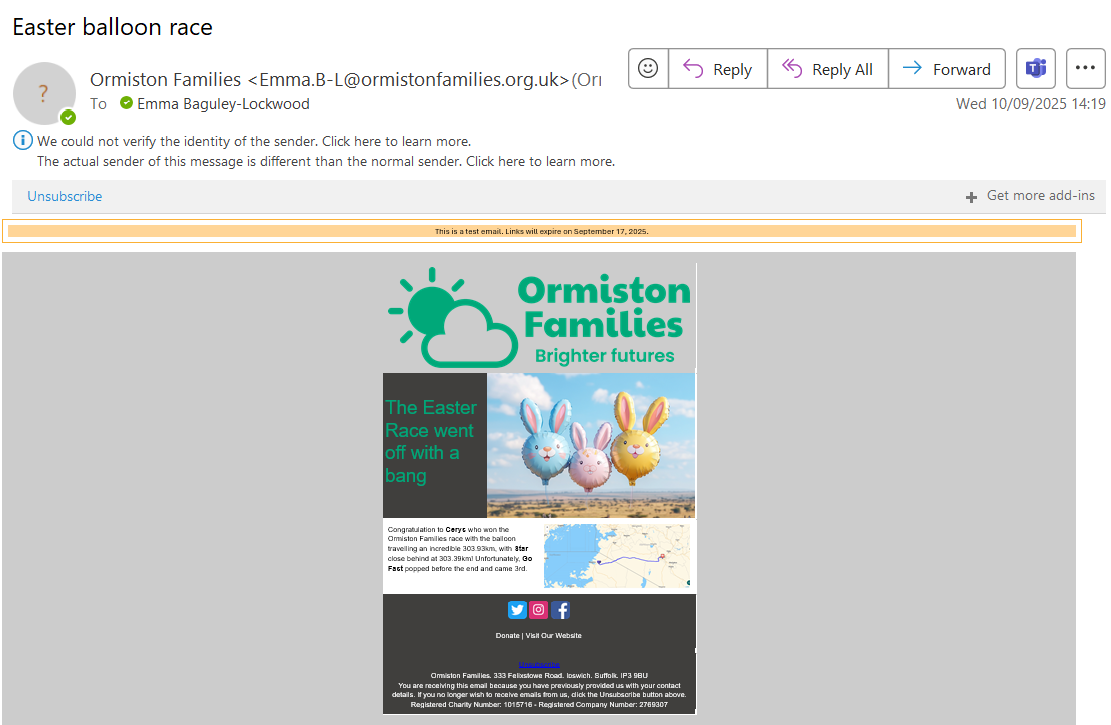
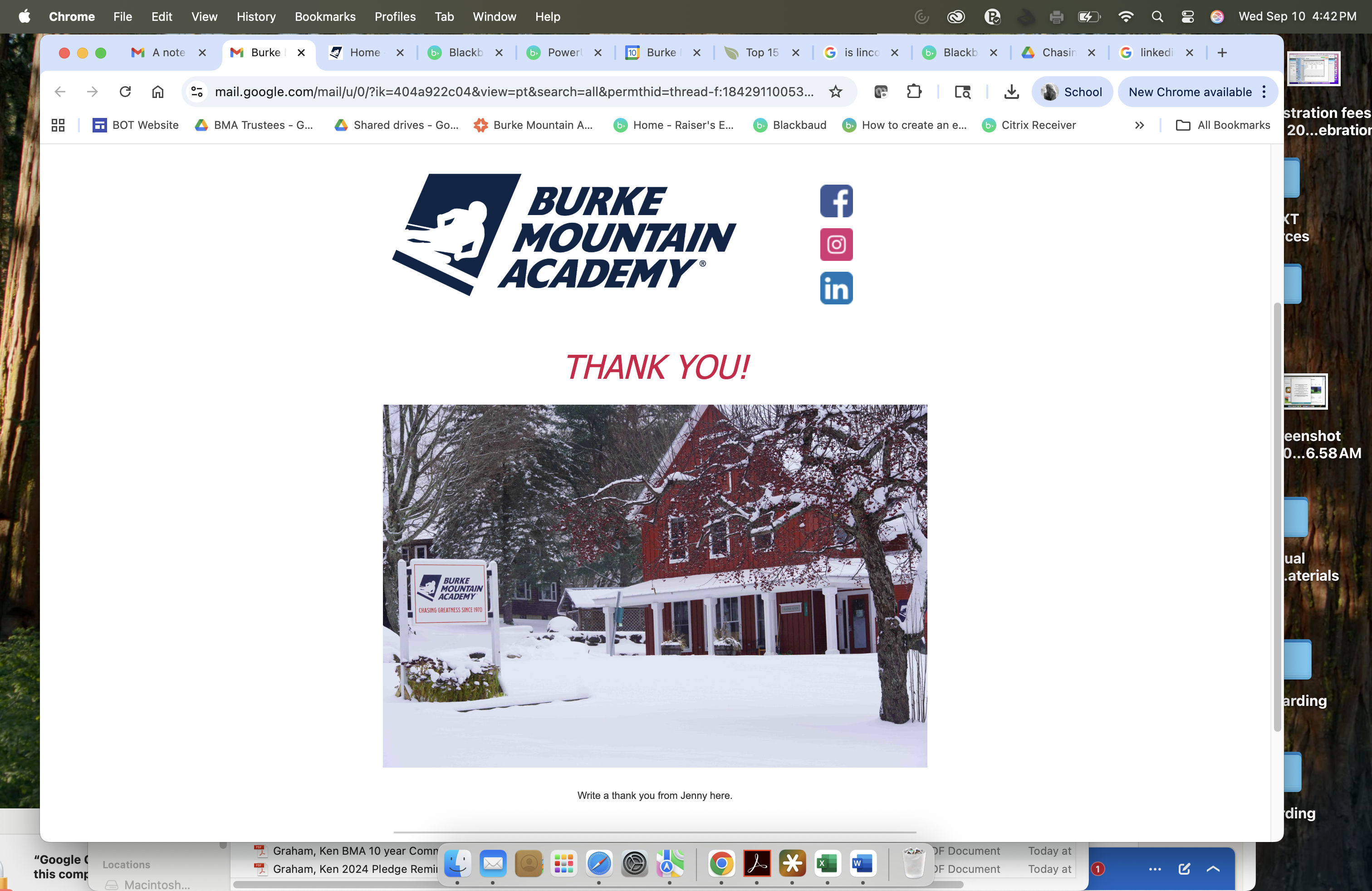
Send the email you created to yourself as a test.
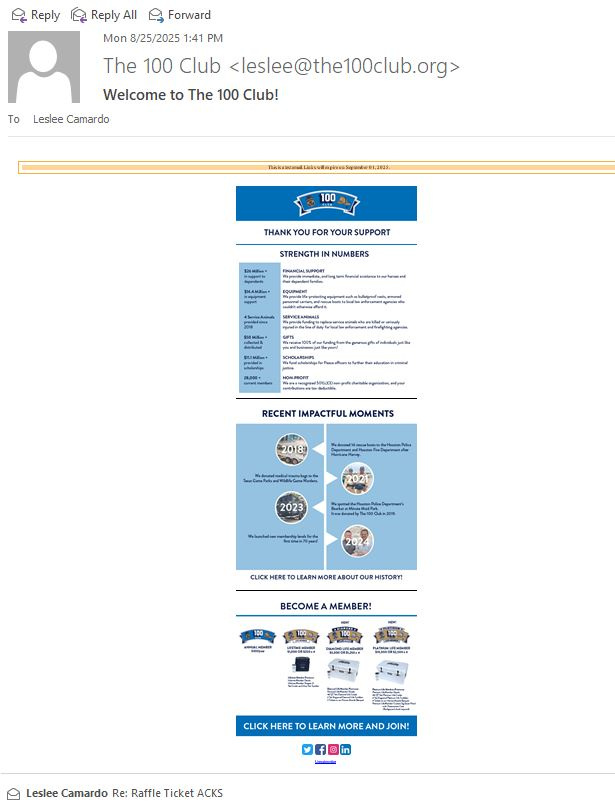
Once it arrives in your inbox, take a screenshot of the delivered email and upload it in the comments.
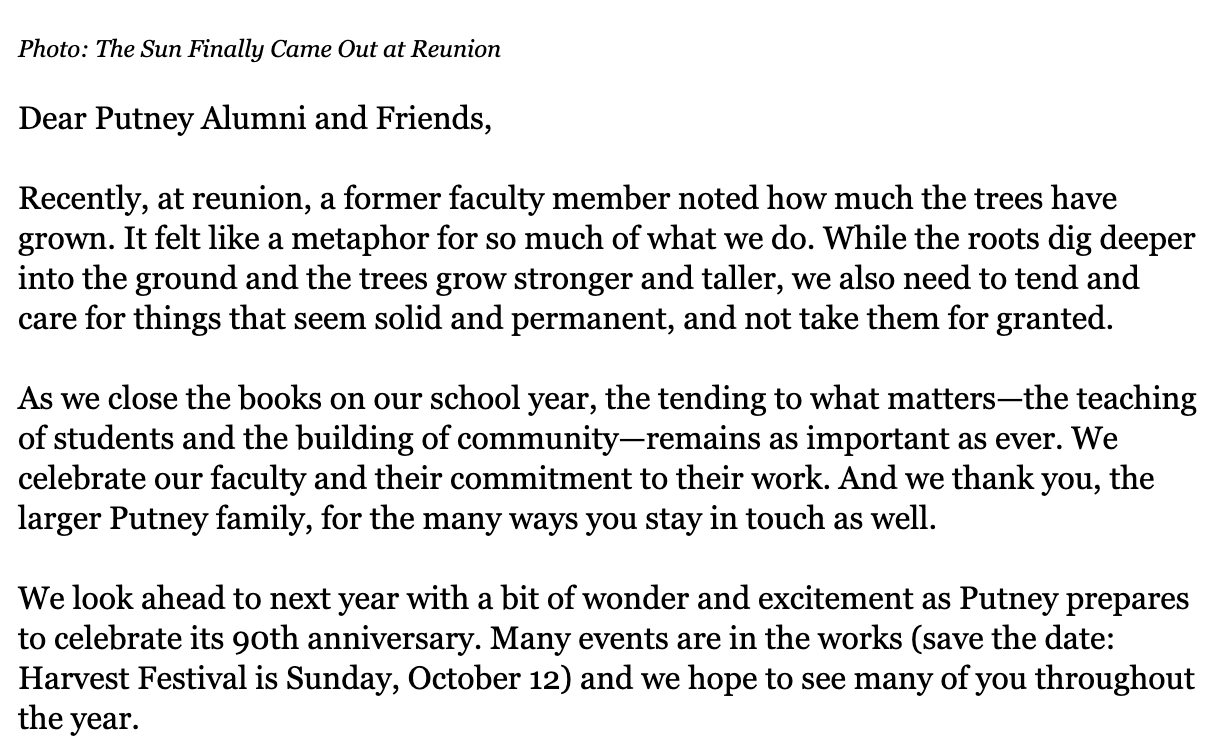
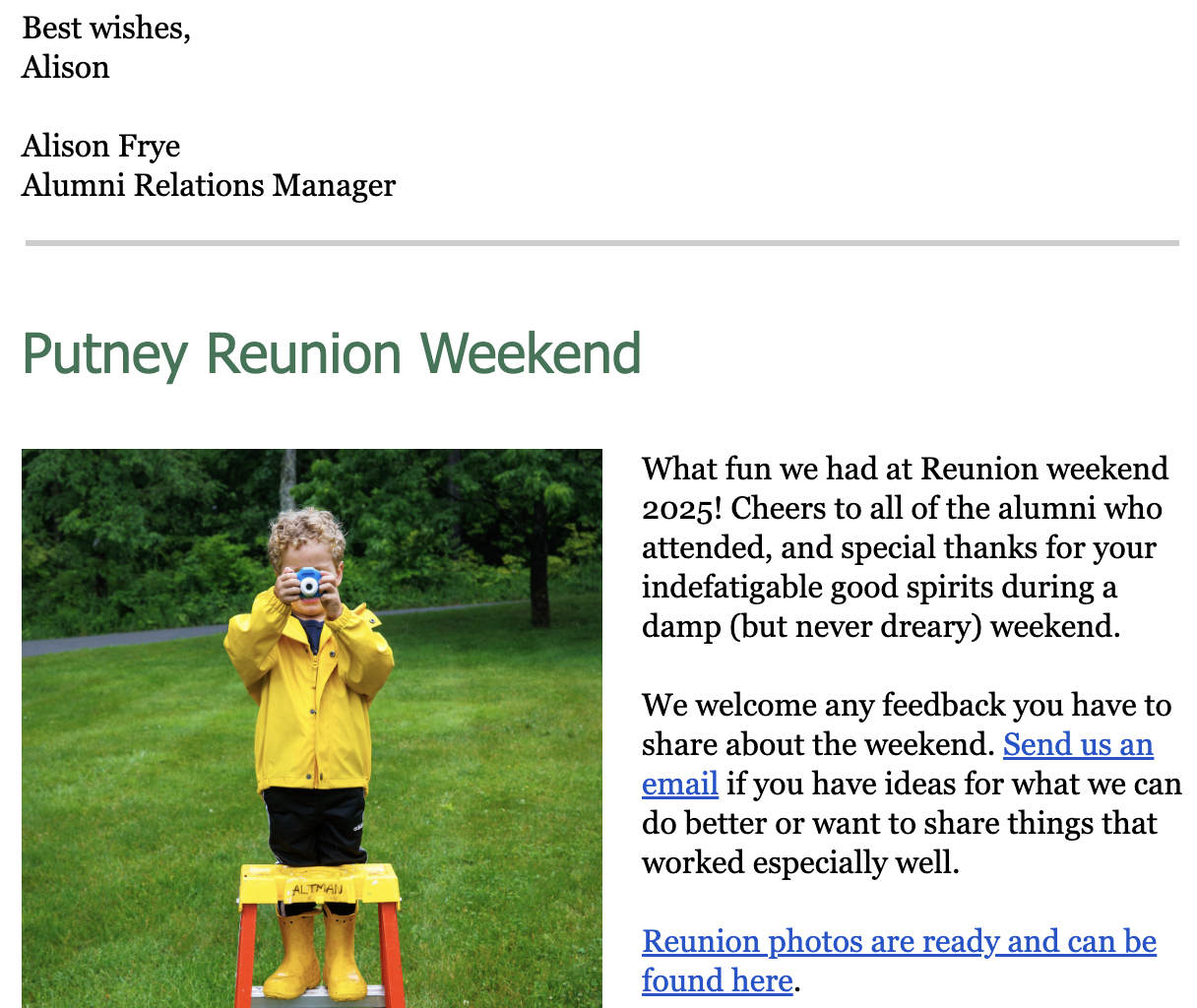
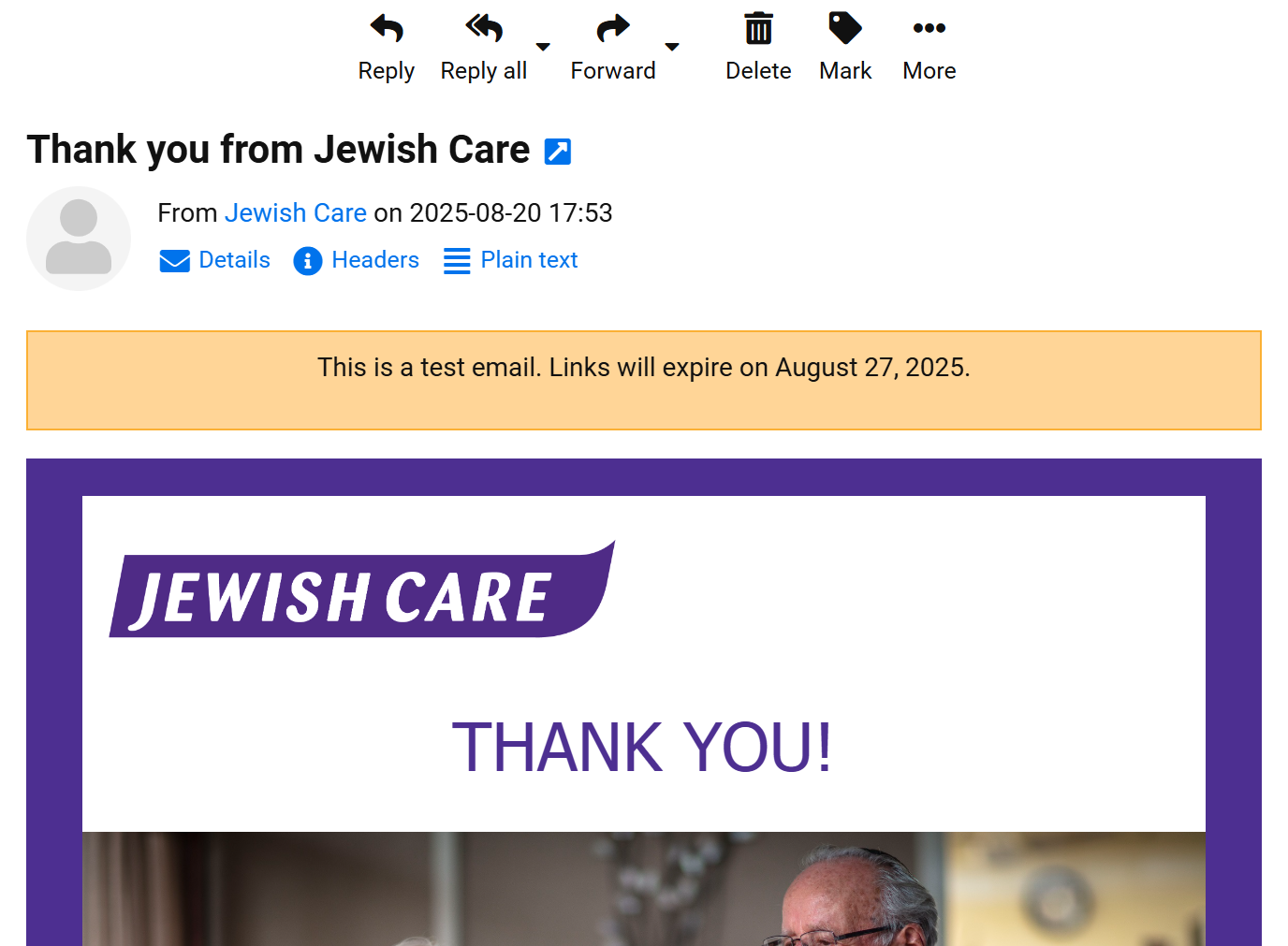
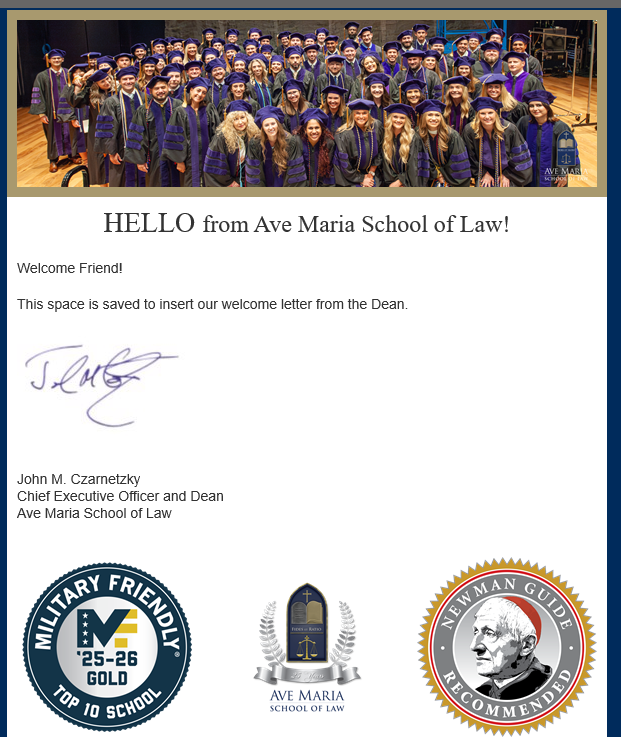
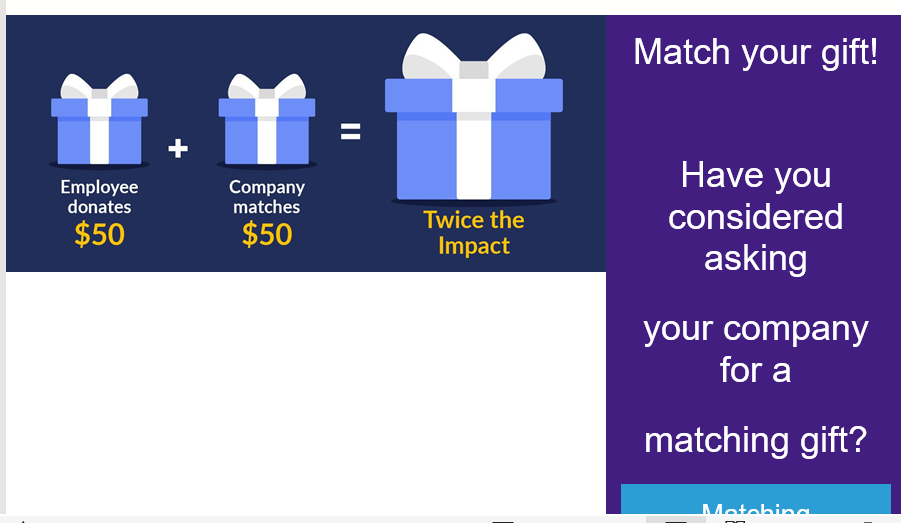
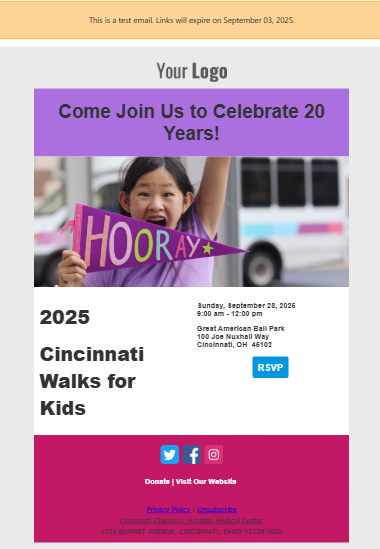
Sorry I'm on a tiny screen (well my laptop - could be smaller on my phone.) I did three pictures because of that I just love some of these images :) I love the addition of this is a test email and the notice of when the links will expire. That always freaked people out when we were testing with frontline fundraisers and leadership. We still do not personalize in web view emails as we don't like the options. We are inclusive although we only have one record for parent/grandparent couples so first name and preferred name don't work for us. We need to be able to use addressee/salutation as they were designed and to allow for one and if that doesn't exist a second option. Here is an idea for the idea bank for this.
etc. . . .
I sent a test email but nothing went through. I must've missed a step so I'll keep trying!
Here you go!
I had to send this to a personal email address as it looks like whatever was preventing us receiving emails from the Email module previously is still blocking them on work addresses now. We'd have to figure out what's going on there before we could use this for external emails.
I couldn't find where to send the email from, so I am unable to complete this task.
Hard to do a screenshot - had to do several pieces…
This is all proof of why we have an actual marketing department that designs these things MUCH better than I can :)
I sent personal acknowledgements with email, I cannot share personal information here, sorry!
This was a nice refresher of how easy it is to set up templates for emails.
Here is my simple email: