My Community
YourCause®
Impact Edge™
All-Star Lounge
Member Lounge (Just for Fun)
Community News
Community Manager
Groups
Browse Products
Members
Community All-Stars
Monthly Challenges
Member Search
Jobs Board
Help
Using the Blackbaud Community
Blackbaud Support
Knowledgebase
Blackbaud University
Discussions
Categories
Groups
Home
SKY Developer
SKY Developer General Discussions
Connecting an application to Education Management via application ID
Davis Tran
Hello,
Previously, we were able to connect an application from the Connected Applications tab of the Applications page in Education Management. There was a button that said "Add application". We could click that, enter an Application ID, click Save and it would add the application to our Connected Applications tab. Now that this page is being removed in favor of the Blackbaud Marketplace, what is the new procedure for adding that kind of application?
Find more posts tagged with
Comments
Daniel Leonard
Hi Davis,
Thank you for your question.
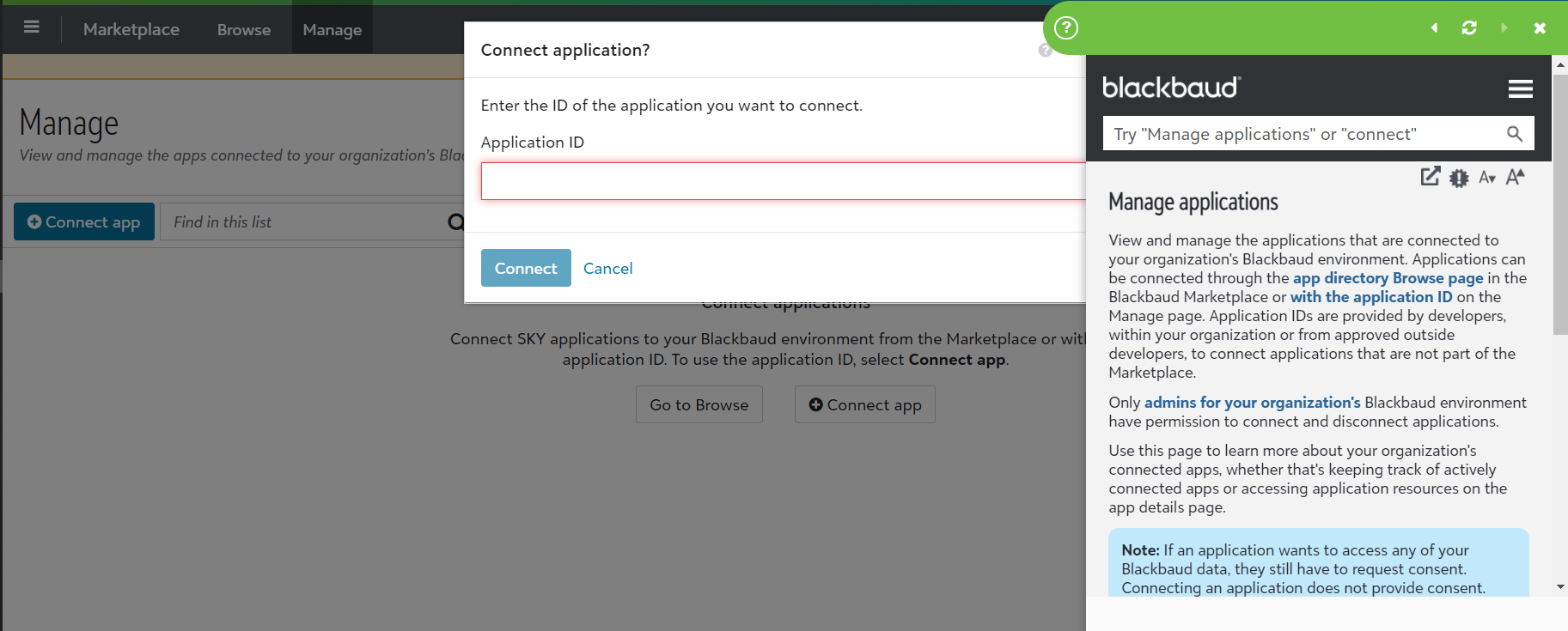
Administrators can add applications by 'Application ID' using the 'Manage' page in the Marketplace and clicking on the 'Connect app' button similarly to your previous process.
https://app.blackbaud.com/marketplace
Adding an application by Application ID
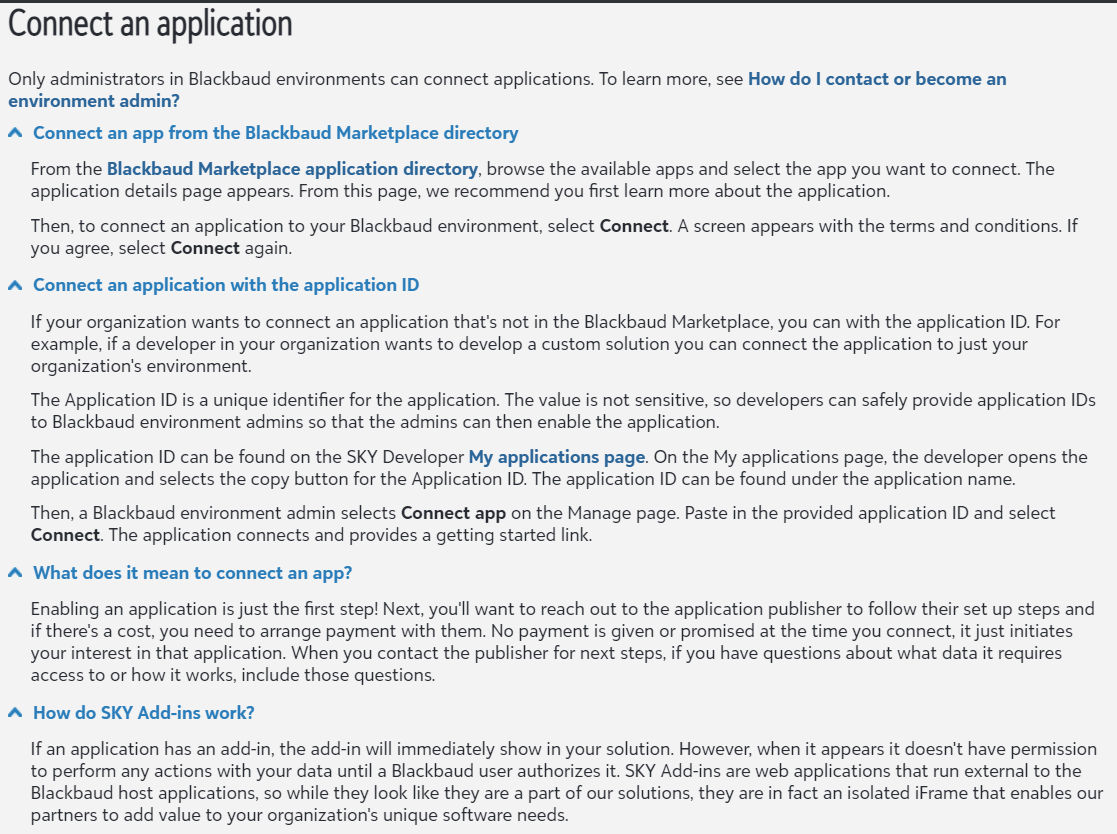
Here is the link to the help file for connecting applications. Hopefully this can help answer any questions you have about connecting applications.
https://webfiles.blackbaud.com/files/support/helpfiles/marketplace/content/connect-app.html
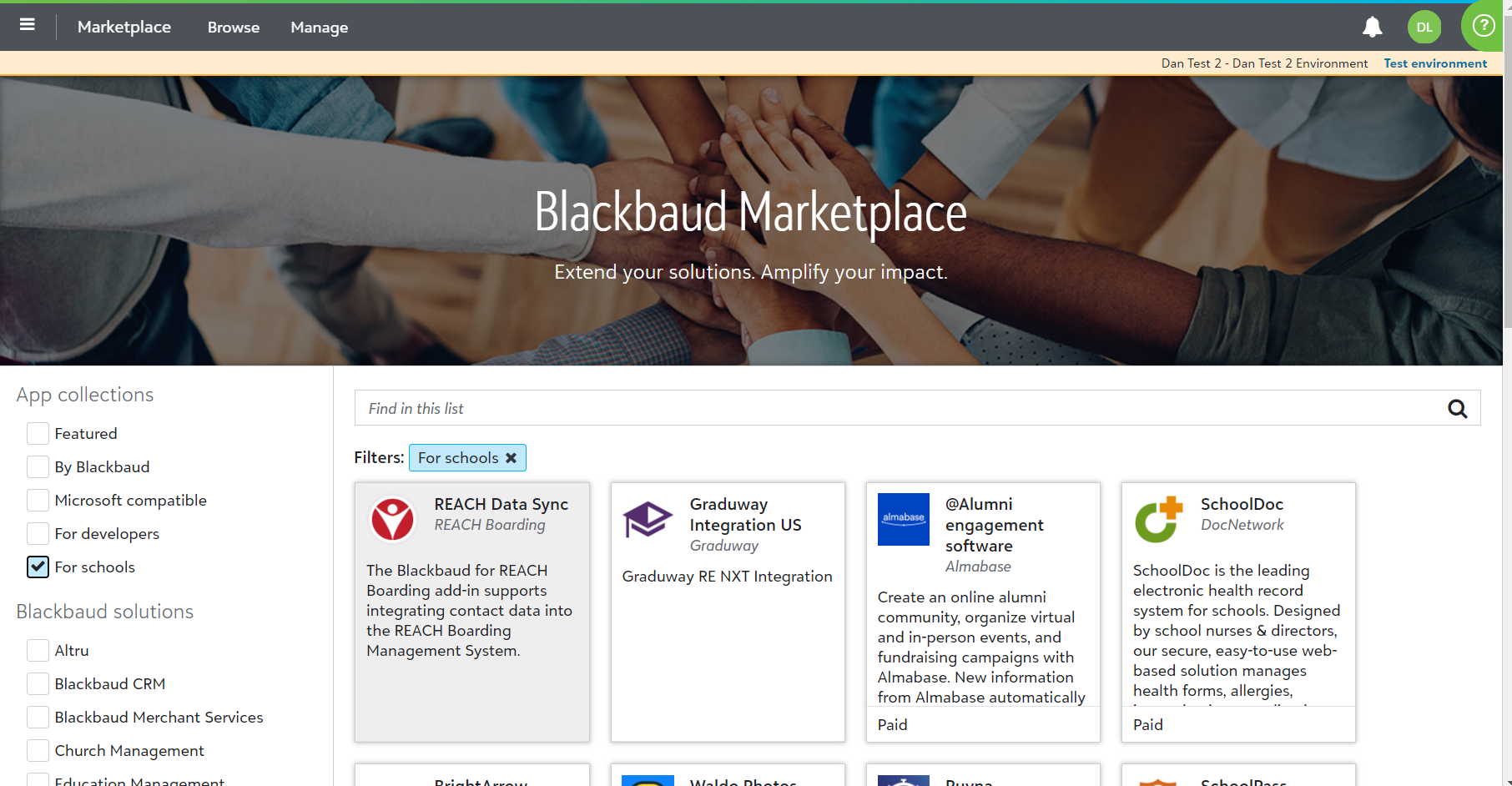
If the application is listed in the browsable list of applications in the Marketplace, it can also be added through the 'Browse' page of the Marketplace by an administrator.
Quick Links
All Categories
Recent Posts
Activity
Unanswered
Groups
Help
Best Of