Getting 401 Error when trying to complete transaction

Hello,

I'm feeling a little lost on something and looking for help.

  • I successfully create SKY API Payments app for collecting payments.
  • I Connected SKY App to our Raisers Edge NXT Environments
  • I walked through Blackbaud Checkout Support Docs
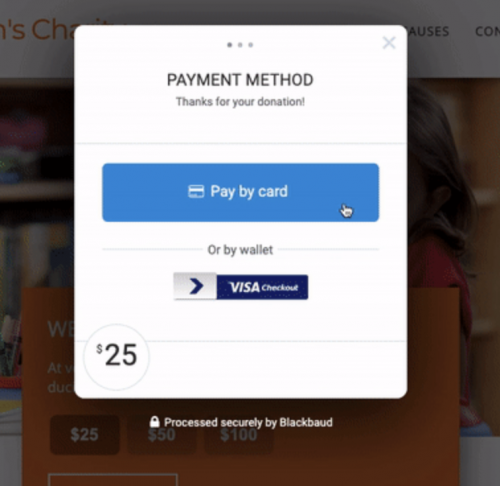
  • I do get the Blackbaud Payment Window to pop up like this image below:
ab04566f6d0d277908acfbfbf5e78bec-huge-sc
I do get this successfully to pop up.
  • I also get my data to autofill the details on the page so my Javascript is posting to the Blackbaud Checkout fine.
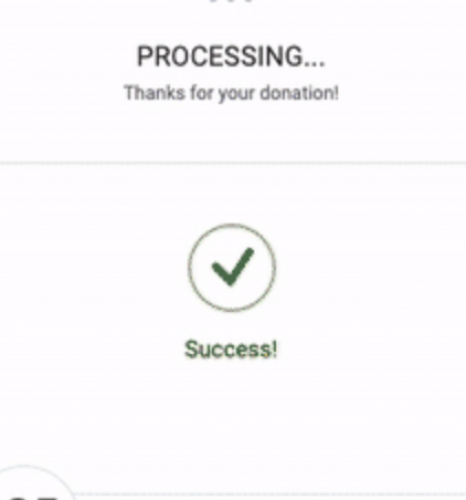
  • I even get a success checkmark like this image below, after I complete the credit card form
5644b544de49cd586dbc14b10edb398e-huge-sc
I do get this . . . Then a 401 Error
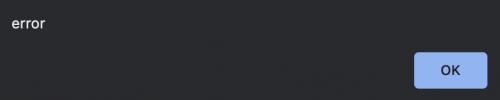
  • After the Success Checkmark screen goes away, I am left with an Error message on my screen (see below) and my console says: 401 (Unauthorized)
bf6d368d6756b052437924bea7c630f6-huge-sc
The transaction never completes due to this 401 Error
  • So I guess my questions are:
    • Where do I look first to ensure that I'm connected properly? Perhaps I'm not connecting to oAuth correctly?
    • Anyone have any suggestions for which articles to look up? I got this far but can't get the money to come off my credit card and be a successful transaction.

I am checking on this and I don't know if I'm messing up the Authorization keys and not properly connecting via oAuth or if it's even needed. I

Sorry if that's not enough info.

Thanks,
Dwayne

Comments

  • Mina Mistry
    Mina Mistry Blackbaud Employee
    Seventh Anniversary Kudos 2 Name Dropper Participant

    Hi Dwayne

    Thanks for reaching out. Let's firstly make sure that you have your user authorization set up correctly. The OAuth 2.0 process is definitely a pre-requisite before any API calls can be made.

    This guide here steps through the process in detail and will result in the access and refresh tokens you will need to make API requests.

    Once the Checkout form is closed, you need to call this endpoint to capture and complete the transaction.

    Thanks.

  • Thanks Mina,

    I had some time off so just getting back to this.

    • I'll review the OAuth link here to confirm if this is accurate.
    • I'll review my Checkout transaction endpoint and see which errors I get.

    I thought I went through all of these correctly but I'm clearly missing something.

    Worth noting:

    • I have a simple form on the page for this.
    • I'm using Javascript (ajax).
    • I have not added the Form element <form> with the data-formtype=''bbCheckout" for the form to submit. Is this required? When I added this and tried it once, I didn't know where the form was supposed to post to so I left the action as “/”. But this didn't give me any feedback and just refreshed to my homepage.

    Thanks,
    Dwayne

Categories