Ordering Request Activities Chronologically

Hi all,

I'd like to view Request activity records chronologically, so that the top activity is the most recent, and the bottom activity is the oldest.

However, when I go to a Request record, the records are not in chronological order.

When I select “What/When”, it seems like I only have the option of seeing:

All activities of the same type blocked together

OR

Activities ordered by the date they were added (rather than due date or completion date)?

This is an issue as I'm adding some historical information from before we had the database, and now it all appears in the wrong order...

Is there any workaround for this? Any ideas would be appreciated :)

Thanks,

Cat

Comments

  • Hi Cat

    I generally steer clear of accessing Activities via the Request record, for this reason. Instead, I select the request from the workspace search results and click Find Related > Activities where you can then build an Activities view that displays records in whichever sort order you prefer.

    If you do need/want to view activities from within the request, you can click on ‘Columns’ and add the field ‘ID’ to your screen. In theory, the smallest ID will be the activity that was created first so you can sort by that column and you should see the activities listed chronologically.

    Hope that helps.
    David

  • Ditto to David's comment. I also view Documents the same way so I can save my own view and sort it with the most recent documents at the top.

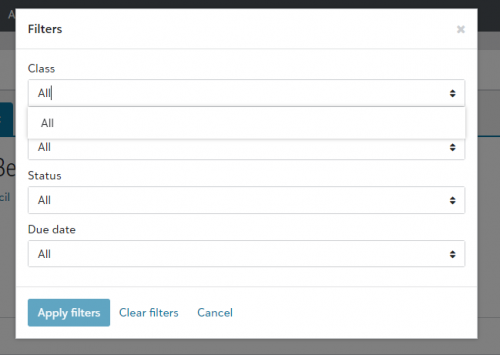
    However, if you are searching for something specific, you can filter Activities in the Request record:

    62f7aa58903e82f19f6ccafe69f0068e-huge-im

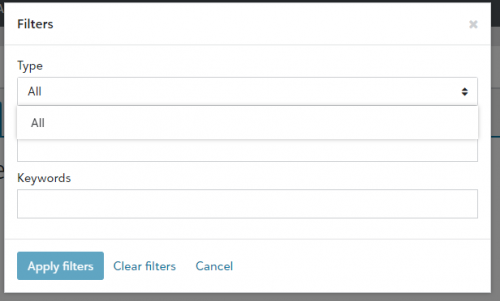
    You can also filter Documents in the Request record which is helpful:

    812a7f27e6cffbf1345629c0bcc1d4dd-huge-im

Categories