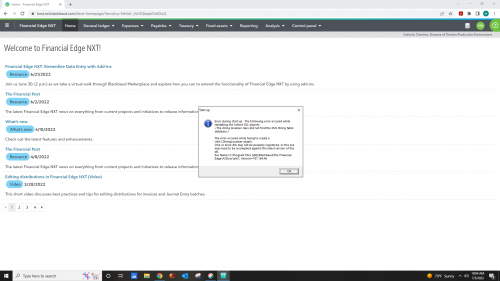
Anyone else getting this today?
Yes, our organization is getting this as well!!
I have this error occur occasionally. It means you have an active session still in limbo. Even if database is closed out it can remain active for awhile! Here are the steps I do and they work every time!
Go to the pancakes like you would try to download database view. Open up database options. There is will take a few minutes to load and it will tell you if a session is active or not. There are about 5 sections. All 5 sections should say None Found. If they do not all say None Found you will need to Terminate the Session.
Terminating the session can take some time and you may have to terminate the session multiple times before it lets you go back in. Sometimes it will say there was an error terminating the session, in this case, wait for it to refresh and then try terminating again.
Also this article will help with visuals. Again you may have to duplicate the process several times but it does work.