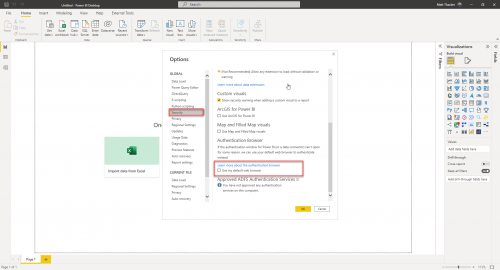
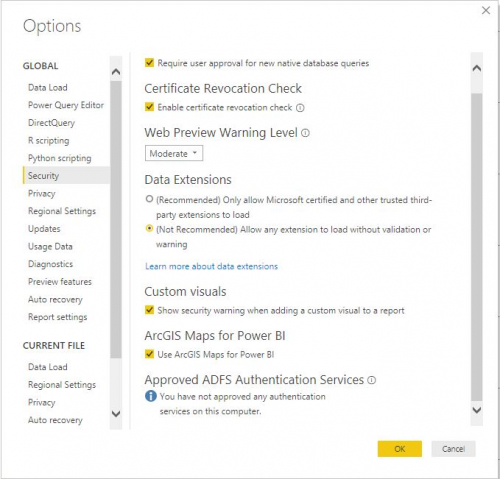
I've created the Power BI Connector and am in Power BI trying to “get Data” from my connector. I choose the Blackbaud connector and then I get a pop up that is titled “Connect to your Blackbaud Environment” and it has a “Sign In" button. When I click that I get a browser pop up like this
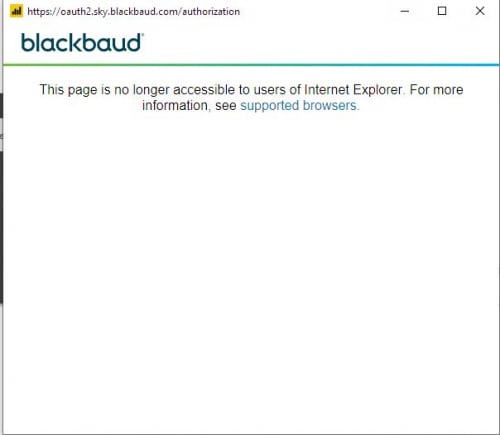
I've tried setting my default browser to Chrome, and also Firefox and Edge. Nothing works. I've made sure to uninstall Internet Explorer and reboot. But I still get this message. Does anyone know what to do? Thank you!