Signs - why do debits show as negatives and credits as positive on account balance screen for revenue account

I'm fairly new to FE but as a CPA with many years in the manufacturing industry, I find this package misses many accounting basics. For example, I'm looking at the account screen for a revenue account. With a beginning balance of $0 and (oddly) $8,519.85 debit activity for the month, the ending balance shows ($8,519.85) … which appears to me as a credit (aka revenue). Whereas the following month there was ($97,718.97) (cr) activity and FE shows the ending balance as $89,199.12- it appears to be a debit balance when quite clearly the math shows it's a credit. Wondering if there's a reason the system doesn't use basic dr/cr accounting principles.

The problem is compounded in reporting. When I run a budget to actual report, the budgeted figures show as credits and the actual as debits. I'm unable to find a place to flip the signs on the budget side for a cleaner presentation. I find myself needing to manipulate everything to make a presentable report once downloaded into excel.


Comments

  • @Heather Counter It is confusing coming from a world where credits are displayed as negatives and debits are positive. It was like that for me before switching to FE as well. In FE the accounts follow the natural balance of the account. Liabilities are naturally credit balancing. Debit entries to a credit account would be a reduction, hence a negative.

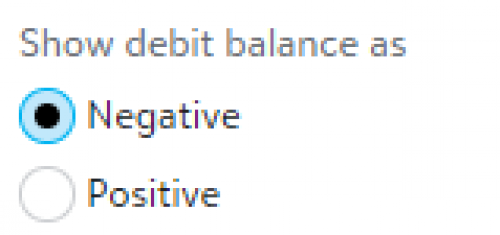
    When creating reports in the chart organizer, there is a spot to indicate which way you want this to be displayed on a report. You do have to be aware of where you are in the report when you are setting this. ie. if you are in the revenue section of the report or the expense section of the report.

    f98effd3bc49352feda8af5064684ca2-huge-im


  • Kevin Brazell
    Kevin Brazell Blackbaud Employee
    Tenth Anniversary Kudos 5 First Reply Name Dropper

    @Sylvia Cook
    To build off that, don't forget if you're doing certain setups in the Chart Organizer, you can also have that option to show debits as Positive or negative as well. Here is a quick KB on that : Show debits as negative KB