This week,
Raiser's Edge NXT updates with enhancements to constituent search and related individuals and organizations. And, oh yeah... the ability to add constituents!
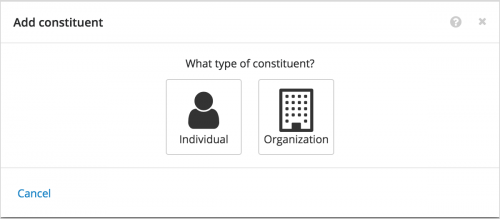 Add constituents.
To speed record-keeping, you can now add constituents from the web view! From
Home, select
Add constituent, and choose whether to add a new individual or organization. When you add a new constituent, you can:
- Include biographical and contact information
- Choose their afflliation with your organization
- Determine whether they already exist in your database
- Choose how to format an individual's name in correspondence
For more information, see the
Constituents Help.
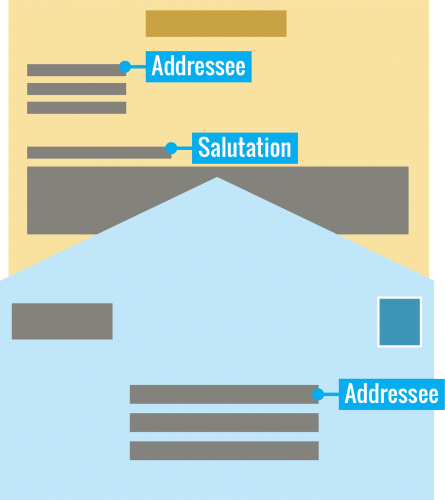 Add name formats for related individuals.
To help set the tone of your communications, you can now define name formats for individuals related to constituents. When you add these individuals' records, choose how to address them in the new
Addressee and
Salutation fields.
- In the Addressee field, choose which name format to use with a mailing address, such as on envelopes or mailing labels. Traditionally, addressees are formal, complete with title and any suffixes.
- In the Salutation field, choose which name format to use as a greeting in a letter or email message. Your relationship with the individual and the context of the interaction may determine whether you choose a formal or informal salutation.
For more information, see the
Related Individuals and Organizations Help and
Name Formats Help.
Search for constituents by phone number. To help you find the right constituent, you can now search by their phone number. In the
Search for a constituent field, enter at least seven consecutive digits, and the search results will include matches for any phone number. For more information, see the
Search for Constituents Help.
For more information about these features, or to catch up on previous releases, check out the
What's New Help and
What's Recent Help. Enjoy!