Search for constituents. To find a constituent's record, select
Search (the magnifying glass), and then choose a recently-accessed record or enter the criteria of who to find. For more information, see the
Search for Constituents Help.
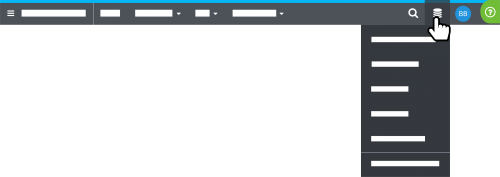 Open database view or another database.
 To access the settings and features of the database view, select
Database (the database icon),
Open database view. If you have multiple databases, you can also choose which one to use. For more information, check out the
Database View Help.
Manage your personal settings. To manage your personal account details, select your initials.
- To manage your Blackbaud ID and password used
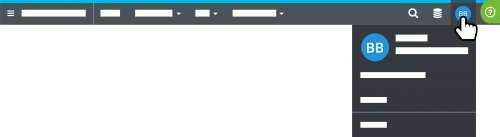 to sign in to Raiser's Edge NXT, select Blackbaud ID profile.
 - To manage your Blackbaud account and subscriptions, select Account.
- To securely sign out of Raiser's Edge NXT, select Sign out.
Get answers. For helpful information about what you're working with, or for resources like Support or this very Community, select
Help (the question mark).
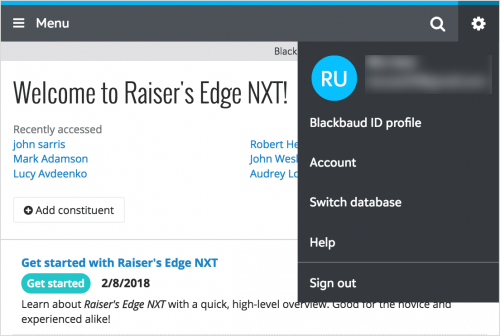 On mobile
, much remains the same. For example, to navigate to different feature areas, select
Menu. Or, as on your desktop, select the magnifying glass to search for constituents. However, under the new
User menu (the gear), you can now find additional resources like your Blackbaud ID profile and account, additional databases, and the Help (previously available under a question mark icon).