With custom ratings, your organization can track constituent details such as:
- Their affinity for your organization or mission
- Social media activity
- Wealth characteristics from sources like ResearchPoint, Marts & Lundy, or econometrics
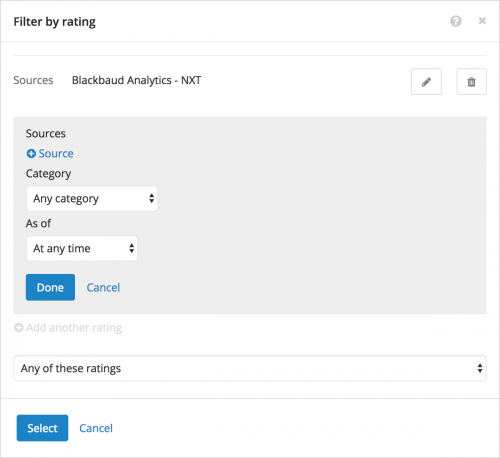
In a constituent list, you can include only records with specific custom ratings or ratings from specific sources or time frames. When you filter by multiple custom ratings, you can now choose whether to include constituents with
any — such as Wealth
or Affinity — or
all — Wealth
and Affinity — of them.
To filter a constituent list by custom rating, select
Filters,
Wealth & ratings, and then select
Ratings under
Custom ratings. For more information, see the
Wealth & Ratings Filters Help.