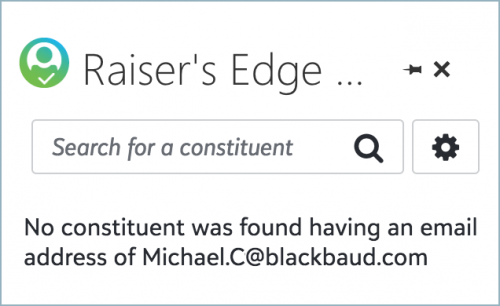
With the
Raiser's Edge NXT for Outlook add-in, you can view constituent details about email senders and recipients — and create actions from their messages — in your Microsoft
Outlook inbox. If you select a message in your inbox but no constituent record has the email address, you can now search for who to apply the action to in the
Search for a constituent field. For more information, see the
Raiser's Edge NXT for Outlook Help.
Admins! To enable others at your organization to install the add-in, from
Control Panel,
Applications, browse to
Raiser's Edge NXT for Outlook under
Available apps, and select
Connect. Once enabled, users at your organization can then install the add-in through the
Microsoft Office Store.
For more information about this week's new features, or to catch up on previous releases, check out the
What's New Help and
What's Recent Help.
Enjoy!