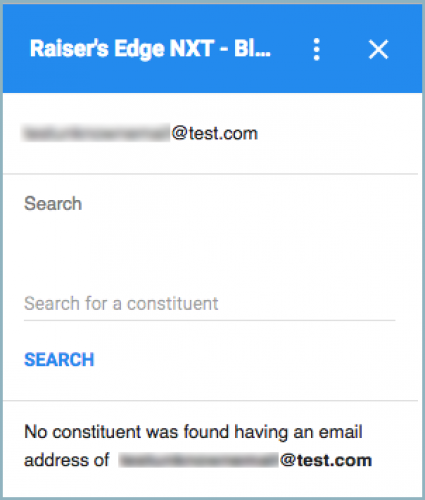
With the
Raiser's Edge NXT for Gmail add-on, you can view constituent details about email senders and recipients — and create actions from their messages — in your Google
Gmail inbox or mobile app. If you select a message in your inbox but no constituent record has the email address, you can now search for who to apply the action to in the
Search for a constituent field.
Admins! To enable others at your organization to install the add-on, from
Control Panel,
Applications, browse to
Raiser's Edge NXT for Gmail and select
Connect. Once enabled, users at your organization can then install the add-on through the
G Suite Marketplace.
For more information, check out the
Raiser's Edge NXT for Gmail Help.
For details about other new features, or to catch up on previous releases, see the
What's New Help or
What's Recent Help.
Enjoy!