With the
Raiser's Edge NXT for Gmail add-in, you can now add actions for new email messages as you create them in Google
Gmail.
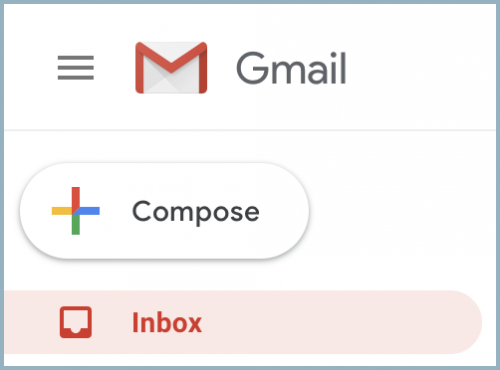
In
Gmail, select
Compose, enter the constituent's email address in the
To field, and then select
Raiser's Edge NXT - Blackbaud or — if the add-on is already open to the constituent's information —
Add action.
Admins! To enable others at your organization to install the add-on, from
Control Panel,
Applications, browse to
Raiser's Edge NXT for Gmail under
Available Apps, and select
Connect. Once enabled, users at your organization can then install the add-on through the
G Suite Marketplace.
For more information, check out the
Raiser's Edge NXT for Gmail Help.