This week,
Raiser's Edge NXT introduces a new setting in
Events.
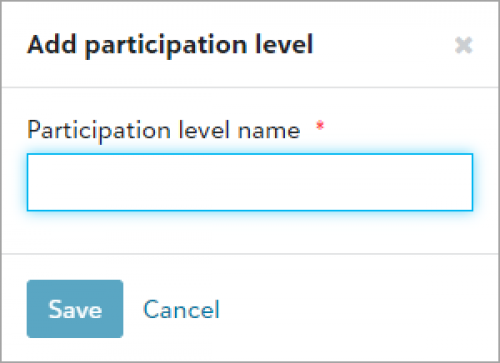 Add participation levels for event participants.
To streamline event set up in web view, you can now add descriptions — known as
participation levels — for how participants are involved in your events. For example, add levels such as child participant or couple, and choose them from the
Participation level field when you add or edit participants.
From Events, Events Settings  , select Add in Participation levels and enter the name of the new level. Previously, you could only configure the levels in the database view from the Participation category in Tables under Configuration. For more information, see Events Settings.