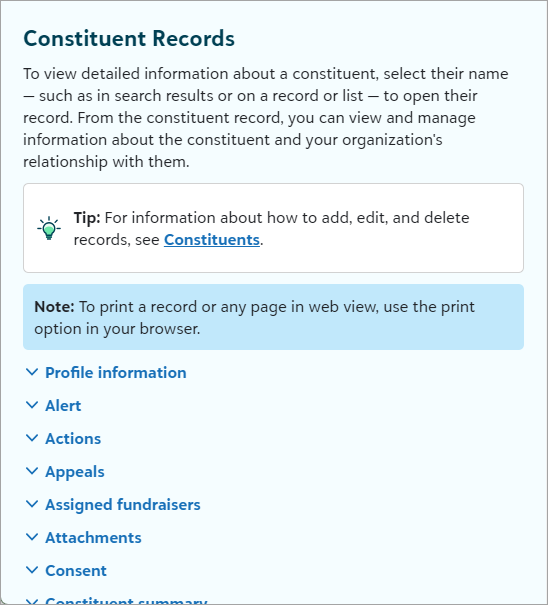
These enhancements are coming soon!To make it easier for you to consume help resources, we’re updating the look and feel of our in-product help and adding in support for assistive technology users. Some examples of accessibility updates include:
Help button Now, you access help using the green help button next to your Blackbaud account name. Soon, you will access help in a similar location using a smaller and more accessible help button.
 Help window size
 The help will be slightly larger and with a new color. Visual styles will be the same across your Blackbaud solutions.
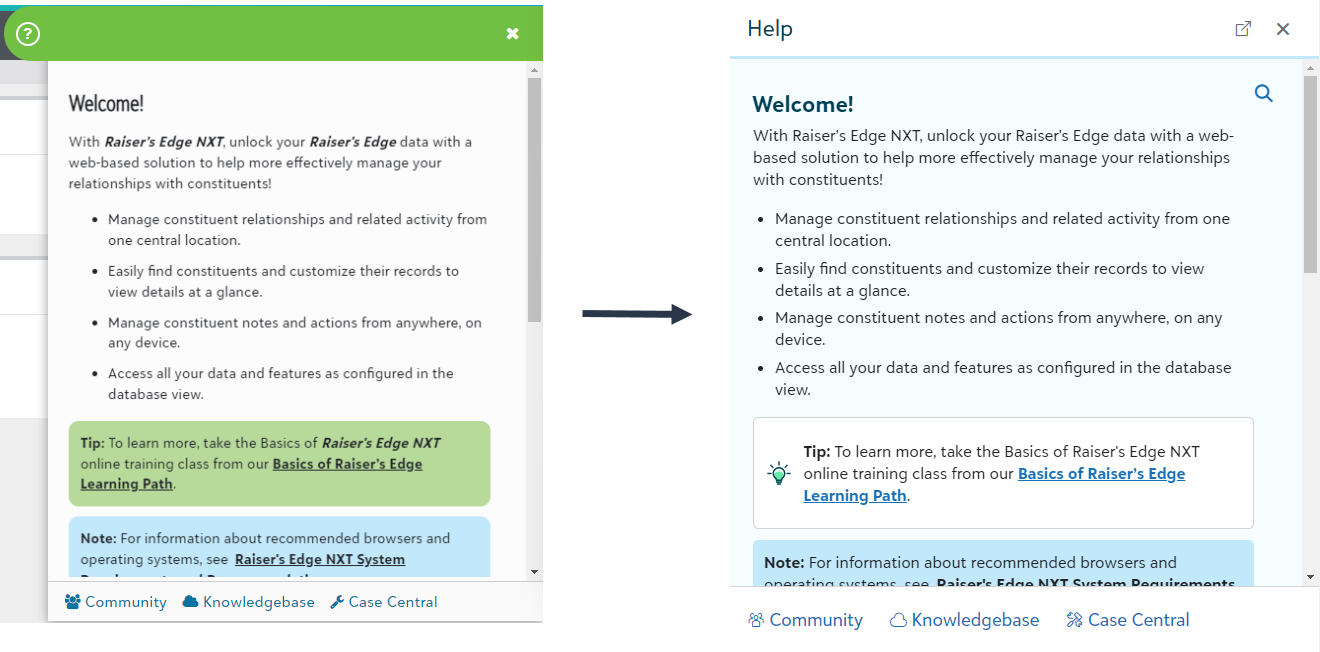 Help content styles
 Icons will feature a more targeted approach and contrast between notes and tips. The introduction of nested subheadings will improve scanning and help you understand the hierarchy of content.