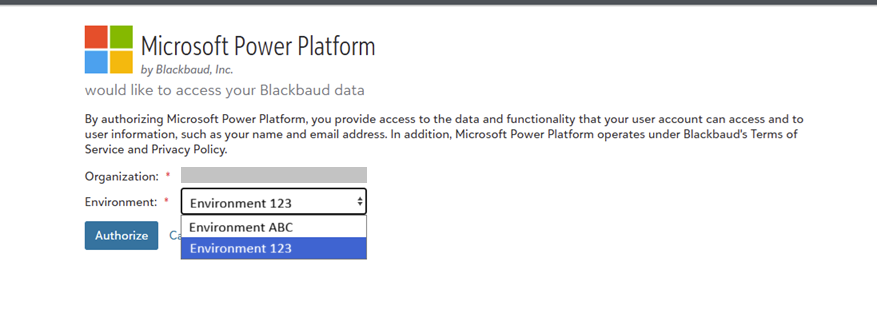
We are using the Blackbaud SKY API Add Ins Connector within a Power App. The first time a user logs in to the app, they have to enter their BB credentials and Authorize. Perfect.
But…One of our users has access to multiple environments and selected the wrong Environment and now the connection is to the wrong one and there are no ways to refresh the Power App to re-prompt to select the environment. In-cognito, clear browser cache, new browser entirely all don't re-prompt for environment and automatically connect to the wrong environment. How do we clear the setting for this user so they can re-enter their credentials?