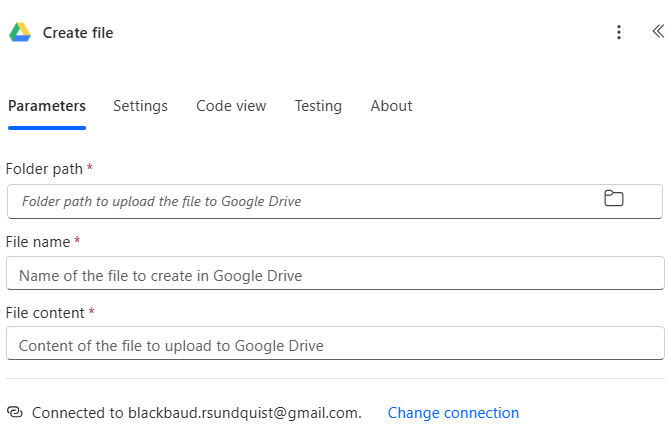
Does anyone have advice about using Power Automate's Google Drive connector to save files to a Share Drive?
@Dan Snyder , I'm looking at your post Sharing my Power Automate Flow: Save Emailed Gift Notifications as PDFs — Blackbaud Community. Was your file path on My Drive?
It seems the Google Drive connector only has access to the My Drive folder path. Attempting to use a folder ID to redirect to a Share Drive is not working.
- This reference says some people had success referencing Share Drive with folder ID: Solved: Giving PowerAutomate access , to a Google Drive shared folder
- This reference says it is a known limitation that the Google Drive connector is limited to My Drive: How to create file on Google Shared Drive - Microsoft Q&A
I see these options and I am interested in the Community's opinions:
- Settle for using My Drive, maybe with a service account
- HTTP request in PA with custom auth flow
- Forget Power Automate and switch to Google solutions