Event registrations are now part of Online data review, giving you more control over how participant information is added to your database. This will help you keep your records cleaner and more accurate as your events grow. We’ll roll this capability out in waves and all customers will have this functionality by May 5, 2026.
This change may impact current workflows if you use Event registration forms. Please review the information below for details.
What’s changing?
Now you can review event registrations in Online data review, just like you already do with donation forms. This update helps you ensure registrants are matched correctly to existing records.
Event registrations that get queued for review—according to your existing Online data review settings—will not appear as participants in your Work with participants area until they’re reviewed.
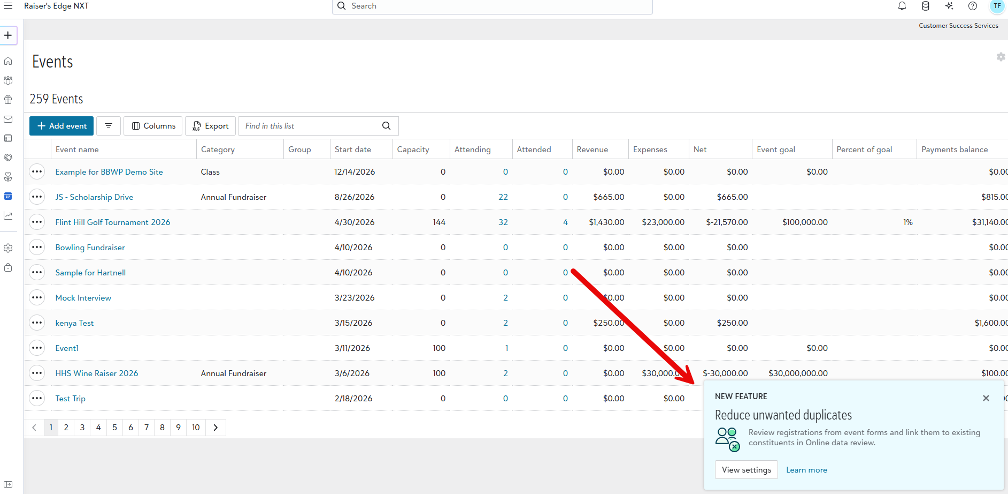
- If you already use Online data review for donations, you’ll start seeing event registrations, both free and paid, in your queue for review as soon as we activate the option to manage registrations through Online data review in your account. Review or adjust your settings from Gifts, Overview, Settings, Online data review.
- If you do not use Online data review, you will need to activate this feature to approve constituent matches for new registrations before they’re added to your event Participant work area. See below for instructions.
How can Online data review help clean my data?
Event registrations can create duplicate records if details like names or email addresses don’t match perfectly. We’ve heard your feedback through the Raiser’s Edge NXT Community and Idea Bank about the challenges this causes.
By using Online data review for event registrations, you can:
- Reduce duplicate records
- Save time and effort
- Ensure participant information is accurate from the start
- Help teams handle large volumes of registrations more efficiently
If you have been hesitant to use Event registration in Raiser’s Edge NXT web view due to concerns about duplicate records, it may be time to revisit switching from Blackbaud NetCommunity and Blackbaud Online Express.
What if Online data review is already enabled?
Event registrations will respect your current Online data review settings. If your system is set to Review unmatched constituents or Review all constituents, you will see event registrations in Online data review.
Event registrations that get queued for review will not appear as participants in your events until they’re reviewed. To prevent delays, encourage your team to stay on top of reviewing registrations as they come in.
Note: If you have Online data review set to Use automatic constituent matching, Event registrations will flow straight through to the event. The system links the event participant to a new or existing constituent (or non-constituent for guests) and the registration shows up in the event right away.
How will event registrations work in Online data review?
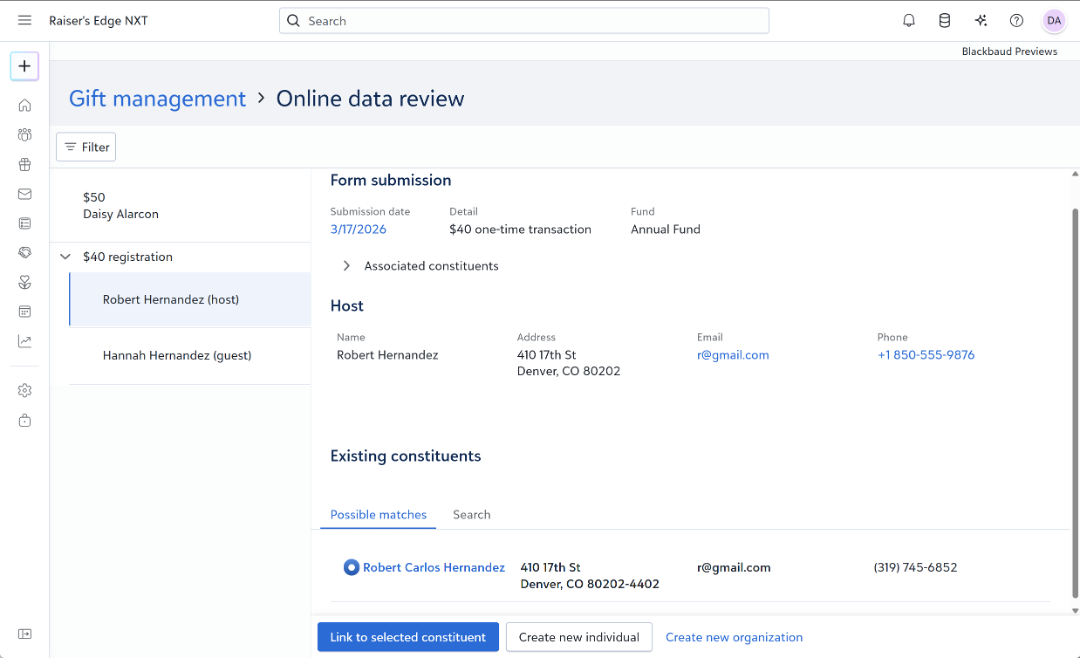
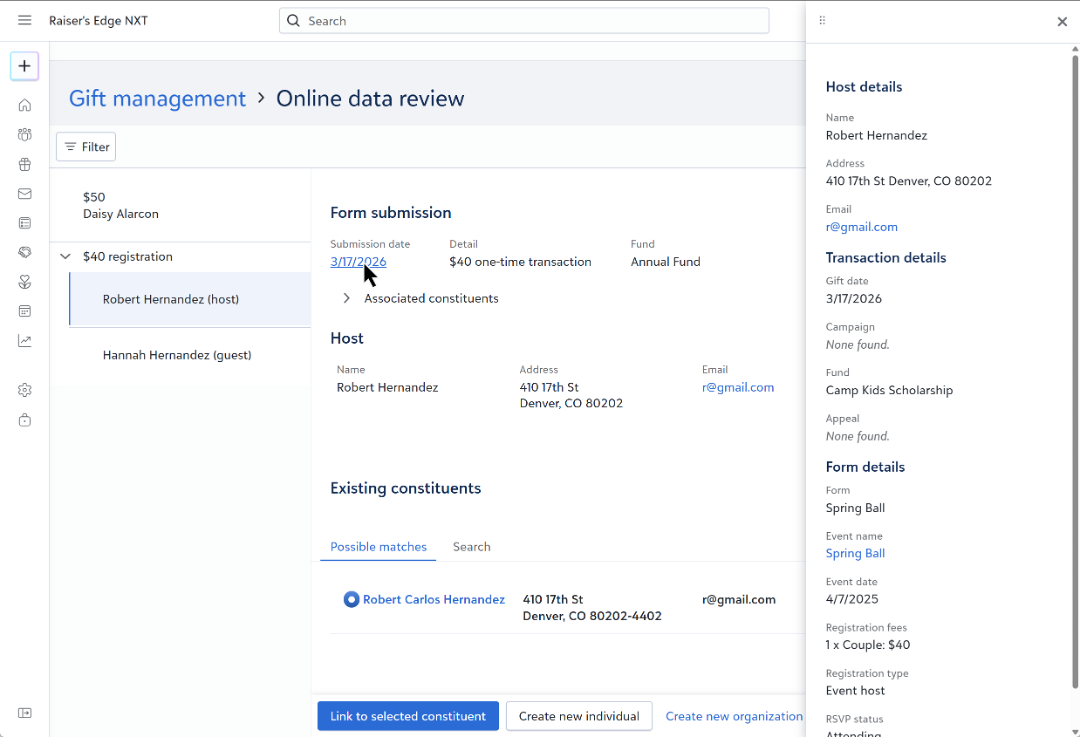
When an event registration moves into Online data review, you’ll see event-specific details in the flyout to help you confirm matches quickly and accurately. Matching, searching, and linking records work just like they do for donation forms, and your existing role permissions stay the same.
Event registrations follow the same host and guest rules you’re already familiar with for events:
- Hosts are the main participants who register for the event and may bring guests. Hosts must always be connected to a constituent record and will go through Online data review if review settings apply.
- Guests without a name are saved as unknown guests (labeled as Guest of + Host/participants name) and do not go through Online data review.
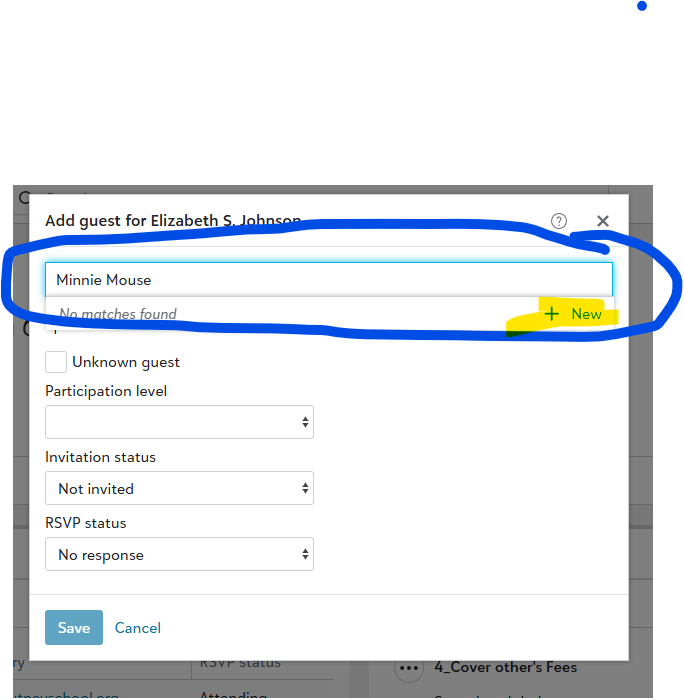
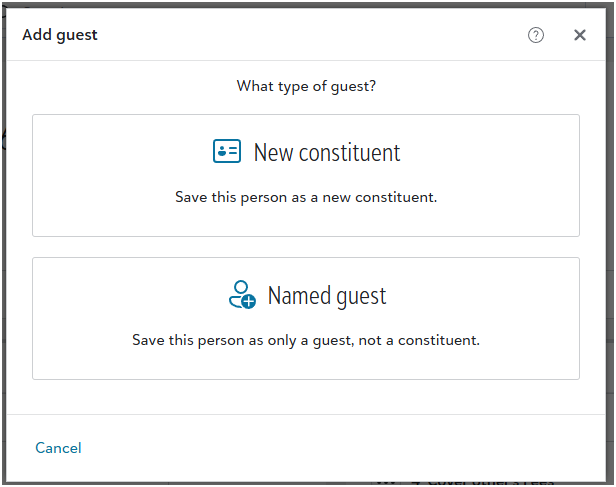
- Named guests with only a name are saved as named guests and skip Online data review.
Guests with additional contact details, like an address, phone number, or email, will go through Online data review. These guests can then be linked to either a constituent or a non-constituent record.
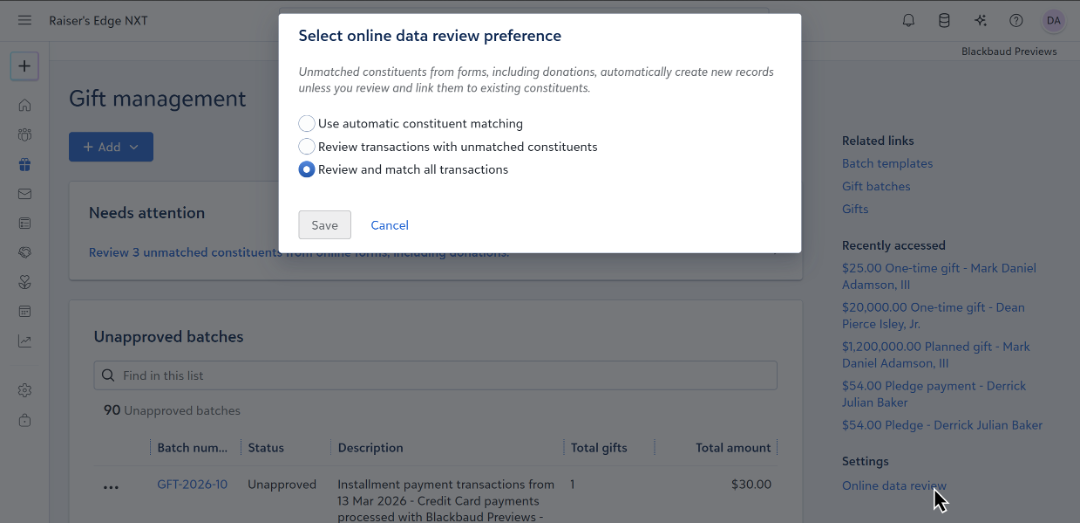
How to set up, review, or update your Online data review settings.
Setting up Online data review is easy: Go to Gifts, Overview, Settings, Online data review. From there, choose the option that works best for your organization. You can also review your settings here. For more details on the options, review the Help files. Save the settings to enable Online data review.
This update simplifies how you create constituent data from donations and event registrations. It keeps the process familiar while making it easier for your team to handle new registrations and stay organized with confidence and consistency. You’ll be able to work with more forms using the Online data review, including constituent and membership forms. This enhancement helps you start with dependable data, so you can move forward with confidence from the very beginning.