Summary
This flow checks all records in the selected Constituent List, stores the records with a Constituent Attachment in an array, and will send an email with hyperlinks to the records which have Constituent Attachments.
Note that I will be sharing a similar flow which searches for Action Attachments.
I'd like to thank the BB Power Automate User Group for their help with this project.
Required Connections
- Outlook 365
- RE NXT Constituents
Suggested Skill Level
Beginner
Configuration Needs
Create a Constituent List which has no more than 5,000 records in it. (You would have to create a loop to search more than 5,000 records.) You can use Filters to adjust the number of constituents in your List. One idea would be to use the filters of Fundraiser Type to include all current and former fundraiser types.
Within the flow, determine the trigger for the recurrence. Currently this runs monthly.
In the variable for EnvID, you should enter your organization's Environment ID.
In the List Constituents step, identify the Constituent List in the Parameters>List area.
An array is used to hold the information on all records that have a Constituent Attachment.
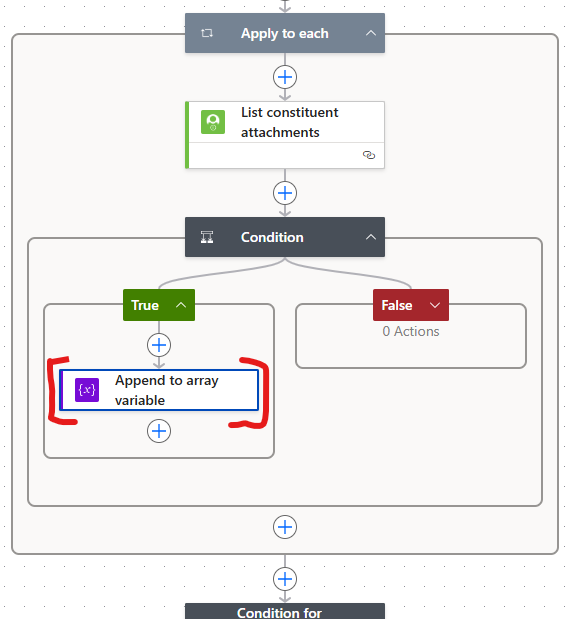
Update what appears in the email table by clicking on the Append to array variable, and editing the Value:
Within the final Condition, you will see an action to Send an email (V2). Click on this to change where the email is sent. Enter the recipient's email in the To field.
Finally, save and test this. Update any connection to your local environment.
Flow file to import