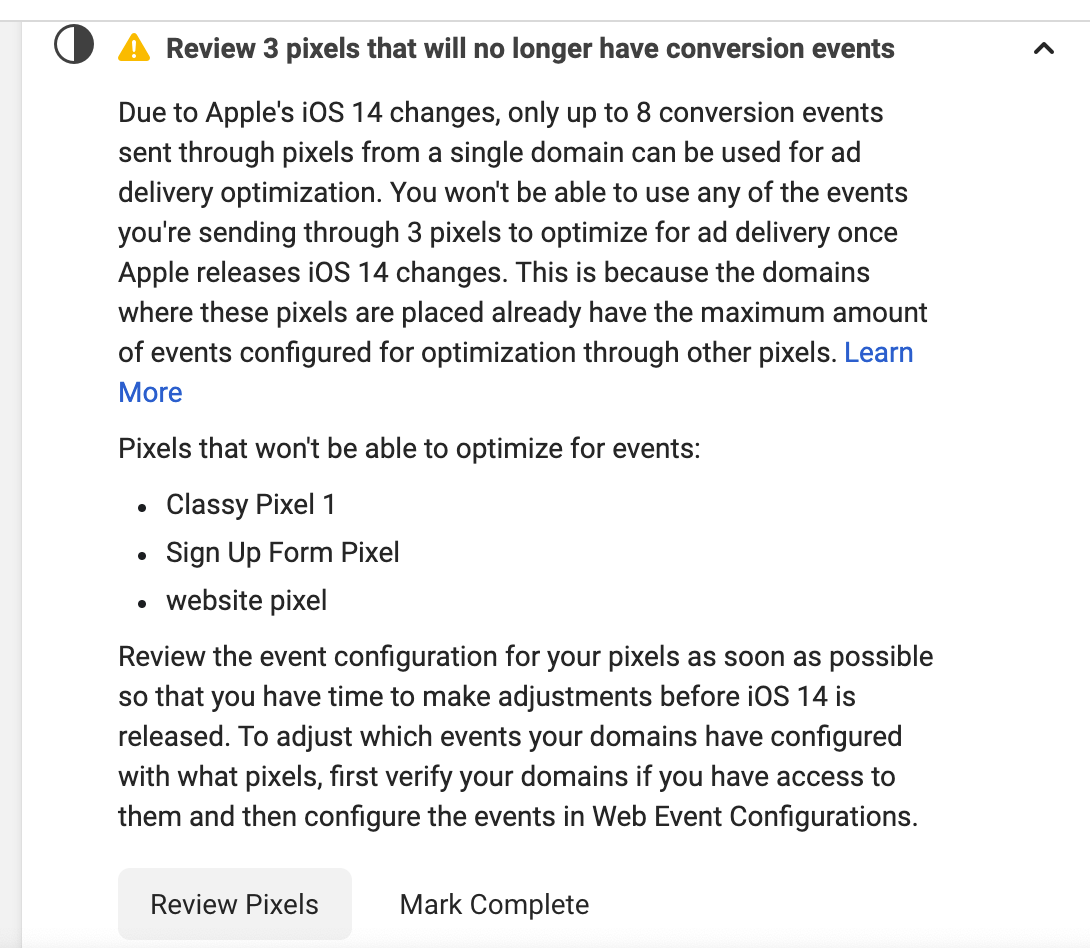
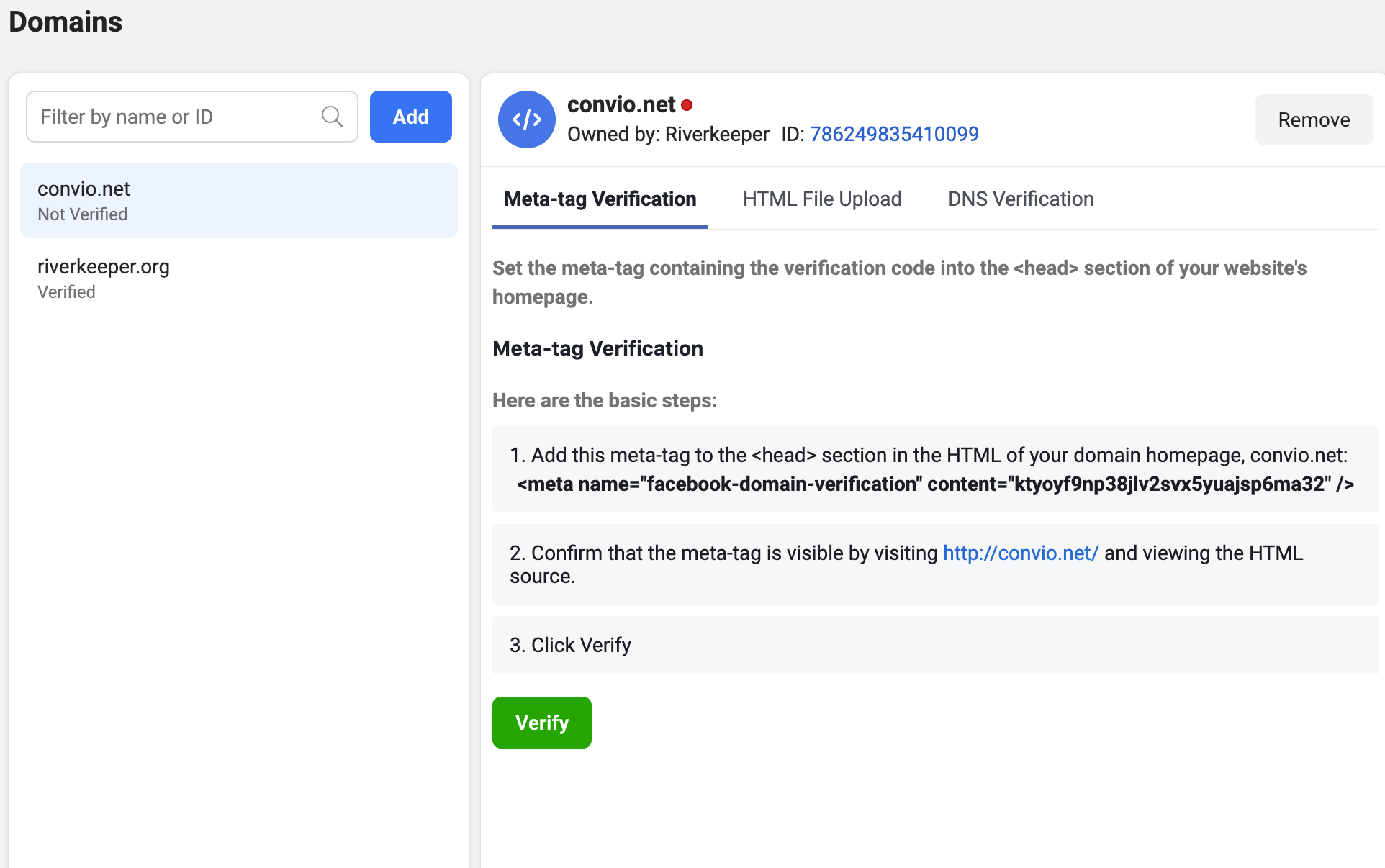
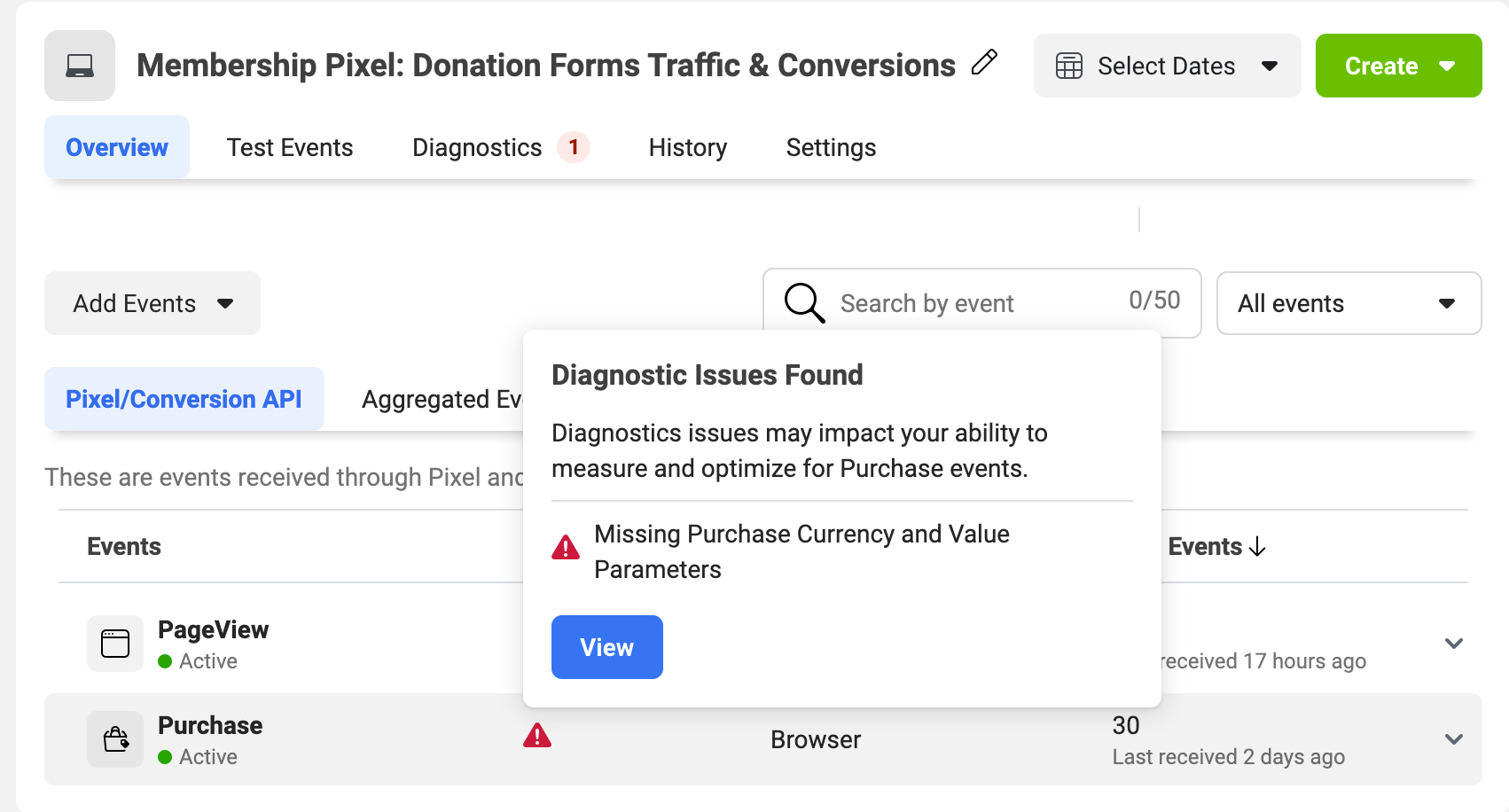
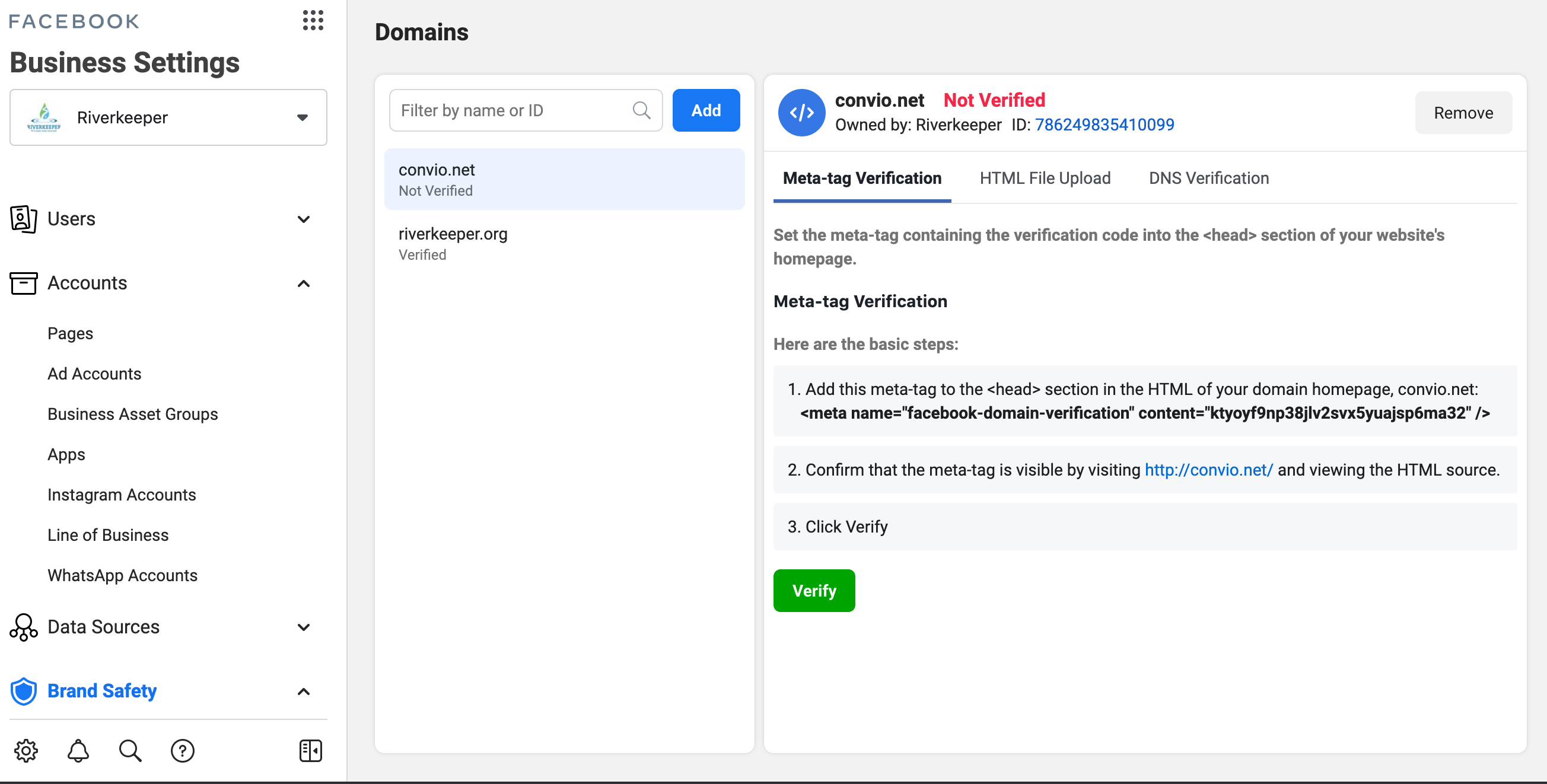
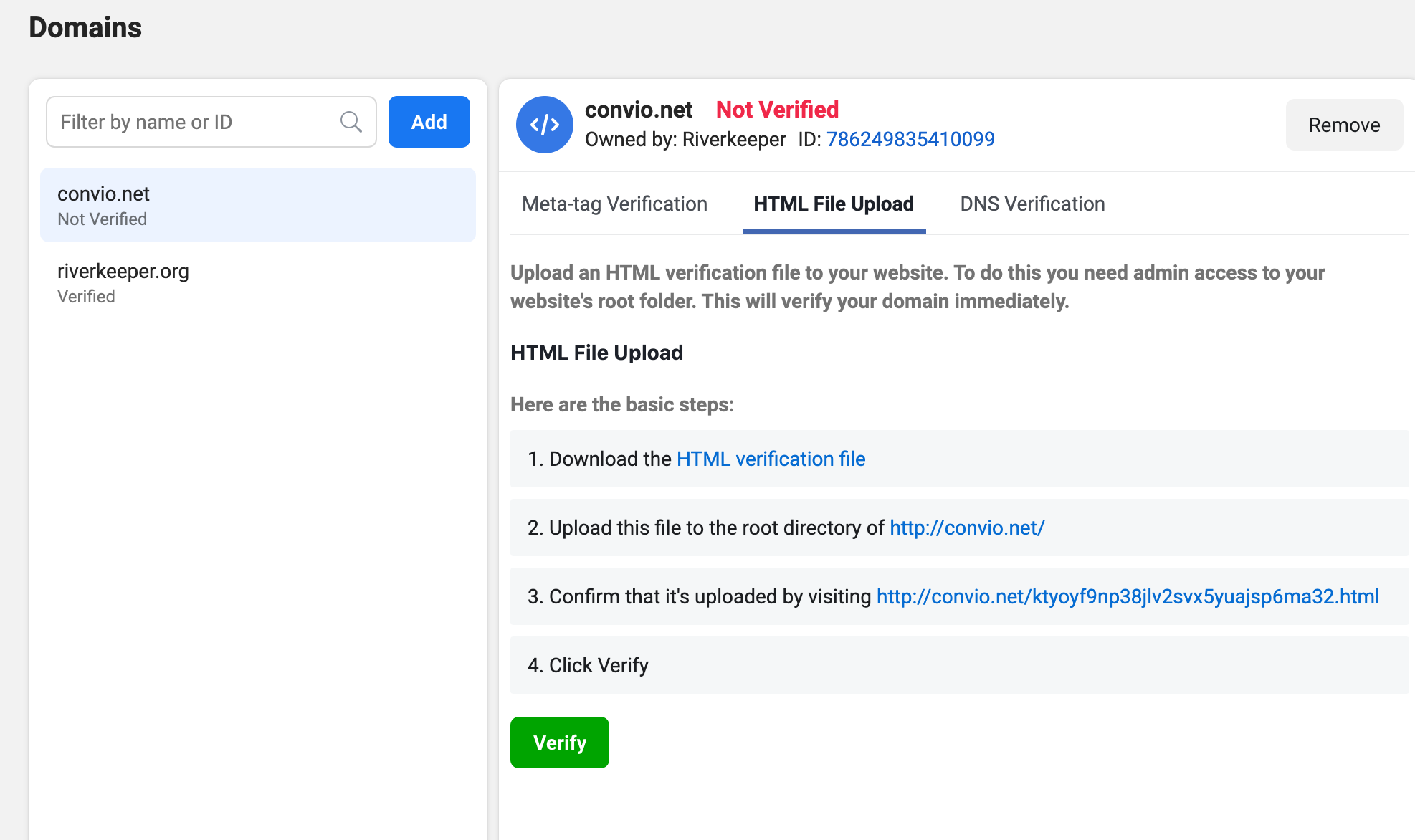
We hosted a webinar earlier this week walking customers through the necessary steps and nuances that surround this update required by Facebook. We also discuss how you can keep your Facebook app healthy and how to manage your app moving forward such as:
- On a monthly basis, log into Facebook for Developers and review your messages and alerts. Take action as needed.
- Watch the Luminate Online Community for messages about any new required updates.
- Add backup admins to your app. (this will prevent your organization from going through the reclaim app access process)
- Add colleagues to your Business Manager.
Whether you missed the session or simply would like to review what we covered, I've place the link to the recording, slide deck, and a transcript of the Q&A portion. If you have any questions around this topic, feel free to respond to this post and we'll work to point you in the right direction.
Managing Updates For Your Blackbaud TeamRaiser Integration with Facebook Fundraiser (Recording)
Managing Updates For Your Blackbaud TeamRaiser Integration with Facebook Fundraiser.pdf (Slide Deck)
Managing Updates For TeamRaiser Integration with Facebook_Q&A.pdf (Q&A Transcript)
ResourcesRequired Updates for Existing Facebook-TeamRaiser IntegrationsCreate a Business Manager AccountRegain Access to Your Facebook AppVideos From Session On Business Manager and App Update MaintenanceAbout_BusinessManager.mp4Create Business Manager.mp4AppUpdateMaintenance.mp4CC:
Brenda SchellingBiggs