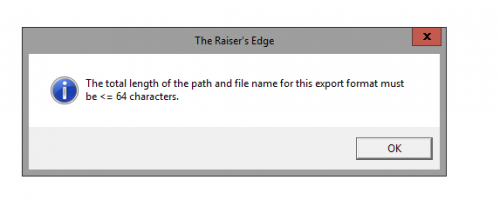
Sometimes if you're saving an export into a location that has a very long filepath (e.g. you have a lot of folders inside other folders, like ‘C:\\My Documents\\My Folder\\Another Folder\\Subfolder\\Another Subfolder’) it's too long for RE to handle. You could try saving it to your desktop and then moving it to the right folder afterwards.
I'm pretty sure that we can save our exports in locations that have filepaths up to 256 characters, not 64, so you could also try choosing a newer file format for your export instead (e.g. XLSX instead of XLS)
@Alan French's suggestion should work. I ran into this suddenly with a receipt file after transition to Azure. Not sure why anything changed. Support worked through with me. What worked in my case was file name less than 17 characters (name, not whole path) and making sure there was no space at the end of the name.
Just another tip.