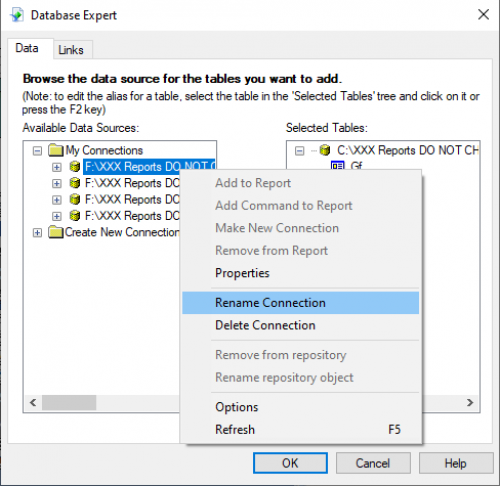
I just tested this.
from my previous post.
there is work-around (I have not tried this yet) with keeping/updating and creating new reports in Blackbaud environment. Crystal reports would need to be installed on a local machine. Then the local machine or a computer on your network would need to be named “bbhfs01”. It appears that is how blackbaud is naming their share at least in Boston data center. Then a shared folder would need to be created on “bbhfs01” machine. The shared folder should be names as xxxx$ where xxxx is your site id. Then another folder(s) need to be created for your .mdb files. So, the full path should be identical, as you would have them in blackbaud environment. For example \\\\bbhfs01\\XXXXX$\\RE\\ReportDatasource\\. Once you have this set up, you can create/update crystal reports files in your local environment with linking them to your local .mdb files. Once the local reports are tested, you can use the FTP to copy the crystal report files to blackbaud environment and then make them available in custom report section of RE.