Has anyone found a way to rename or delete a contract list?
Wendy, that is amazing - I never realized that I couldn't do that. I do not see a way to do it, either from within EMS or from the Manage Lists area. Interested in other responses, and definitely encourage you to post this as a suggestion in the ideas portal!
To rename, you click save>save changes to this list and then you can change the name. Deleting I haven't figured out.
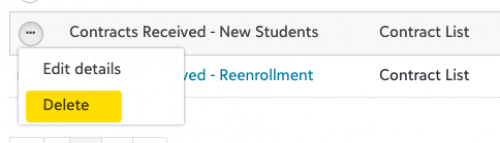
Hi @Trudy Howard & @Wendy Berns - you can delete a contract list by navigating to Enrollment Management >Reporting > Manage Lists.
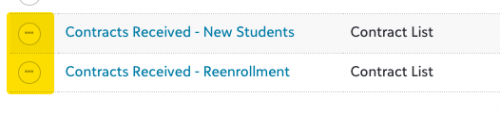
You can click on the circle with 3 dots to delete a list.
Thanks, Brian!
Thanks, Trudy!
@Wendy Berns So NOT intuitive, right?!