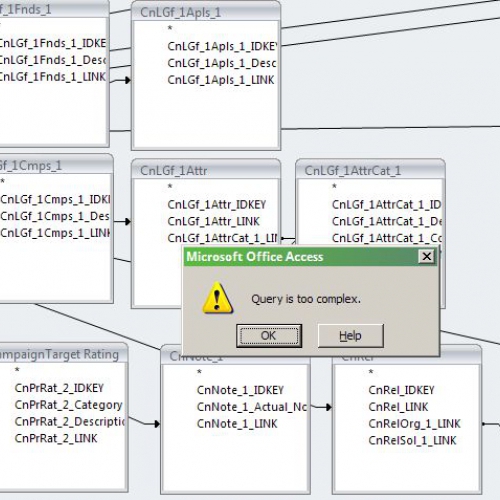
EDIT: this was solved by setting high DPI settings when running RE.
This is kind of an esoteric question: have any of you used RE via remote desktop over a VPN connection?
I'm kind of the only person in our office who has access right now, and I'm having to do crazy workarounds because I can't select fields in export. Or, I can't select SOME fields. The hover labels on the fields don't match the actual field, and when I drag fields over they just don't go.
Also in Query there are no parentheses buttons. Again with the crazy workarounds -- the other day I had to resort to creating most of a query then using Ctrl-Q to get the SQL, and copied it into SSMS and modified it to run off the back end. Just to get parentheses.
It's nuts! I'm sure it's some kind of screen resolution/remote desktop issue, rather than something specific to RE--although I have noticed that RE sometimes renders weirdly in general--I just was wondering if anyone had any ideas for workarounds/solutions.