What's New In Blackbaud Raiser's Edge NXT® — September 19th





Here are the latest changes in Blackbaud Raiser's Edge NXT® for September 19th, 2023.
- View event participants who purchased fees
- Pledge enhancements in the portal
- User list improvements and updated navigation (now generally available)
View event participants who purchased fees
To identify which host participants purchased different types of tickets, such as golf foursomes or parking passes, you can now filter the participant list by fee.
From Events, open an event record. Under Participants, select Work with participants and then select Filter  , Fees under Fees and payments. Next, select Fees and choose whether to include participants who purchased any fees, specific fees, or no fees.
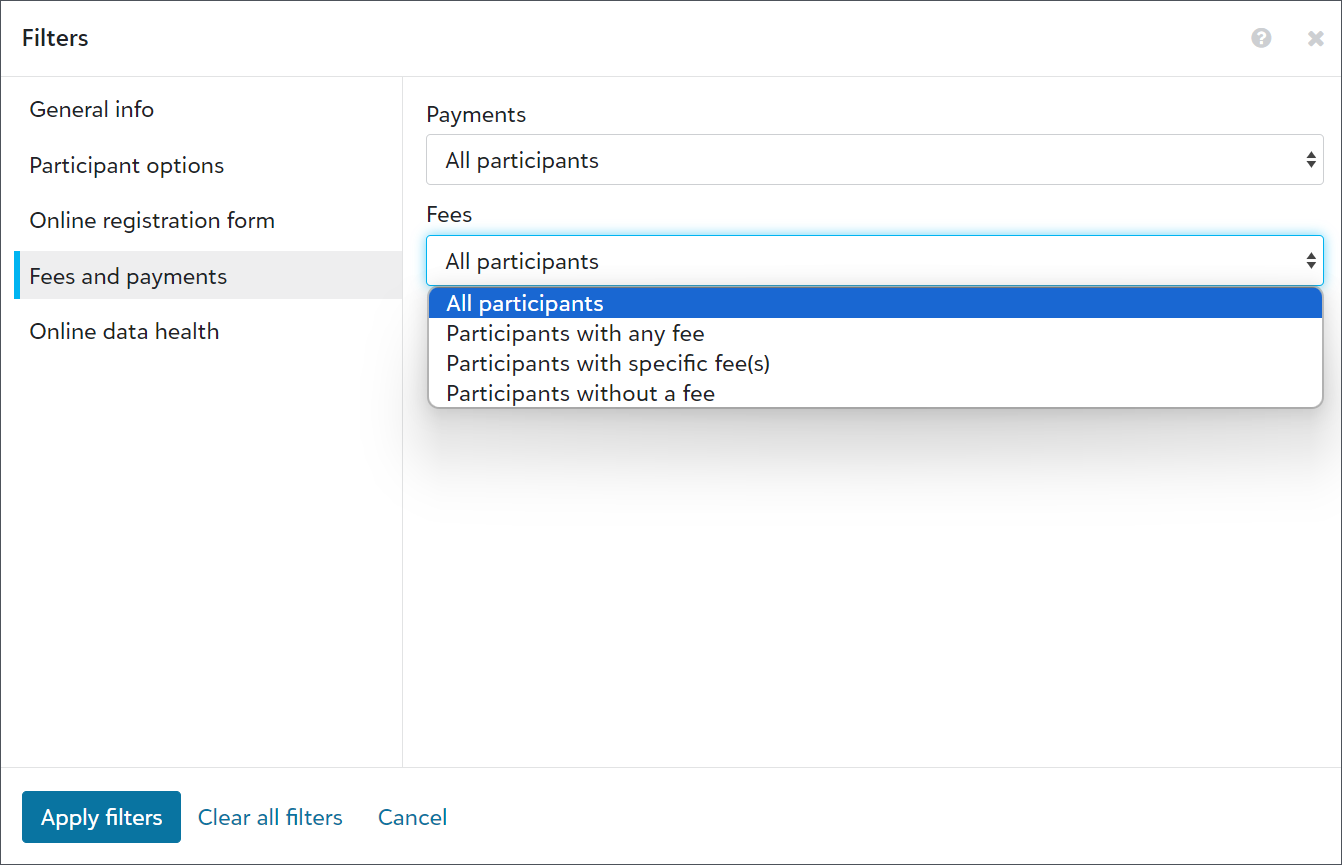
Note: Previously, you could only filter fees by participants who paid or had open balances, and the results were displayed in the Registration fees column. To prevent confusion, the Registration fees column and filter now display as Payments.
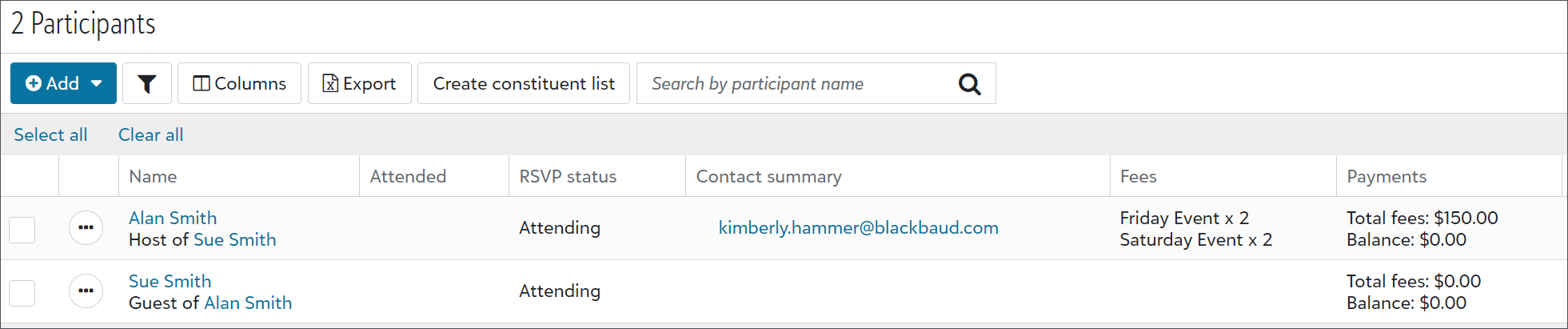
To view or export fees, and the number each host participant purchased, select Columns  , Fees from the participant list.
Note: Exports include columns for all fees, regardless of whether participants purchased them. They also display amount and quantity columns to help you determine how many people signed up and how much they paid.
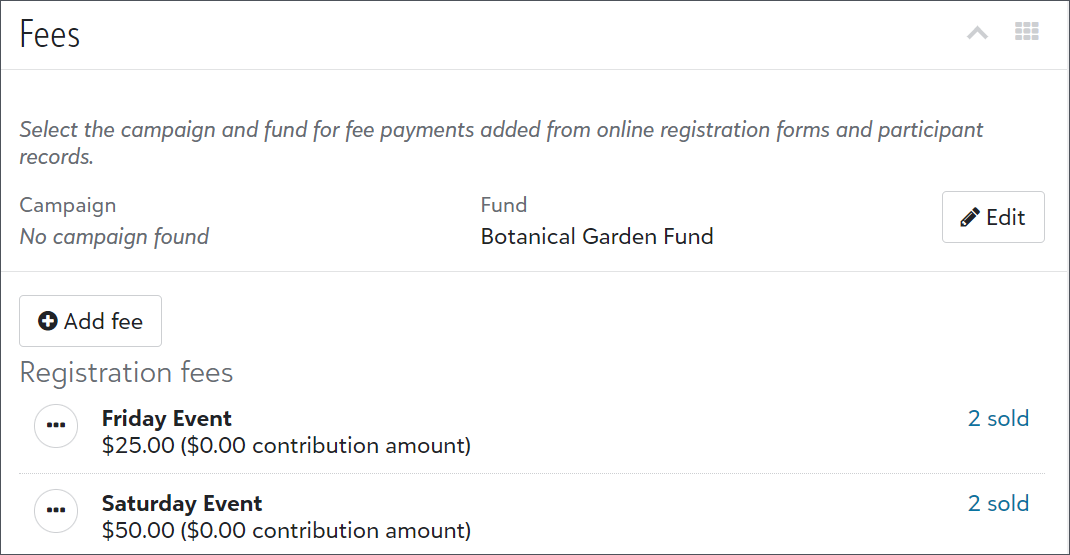
Also, from an event record, under Fees, you can select the number sold for each fee to view a pre-filtered list of participants who purchased tickets.
Pledge enhancements in the portal
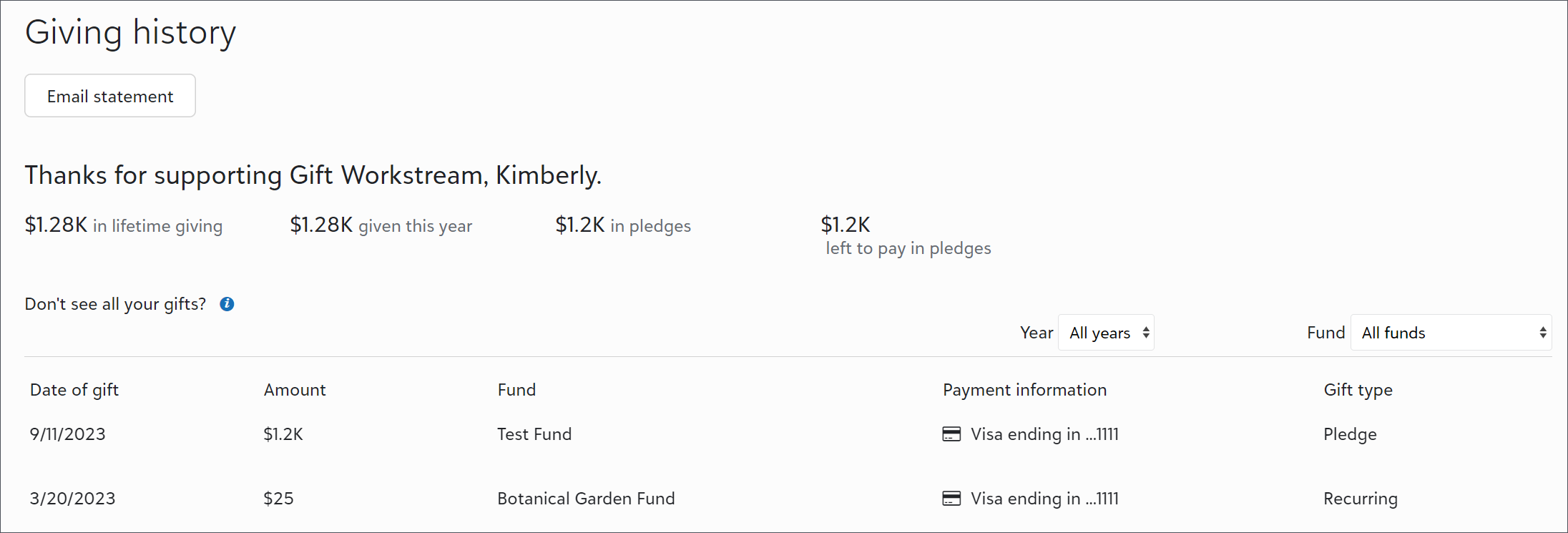
Now, portal users can view how much they pledged and how much they have left to pay toward their pledges on the Giving history page in the portal. They can also now use the list to view their pledge information. Previously, they could only view pledge payments from the list.
For more information, see Portal Giving History.
User list improvements and updated navigation (now generally available)
To help admins better manage users, we improved user lists. We also updated the navigation under Control panel to include new pages for Users, Roles, and History. Previously, admins accessed these pages from Control panel, Security.
Tip: To view the default user list, select Control panel,Users, Build a new list, Show all records.
From Control panel, Users, admins can now:
-
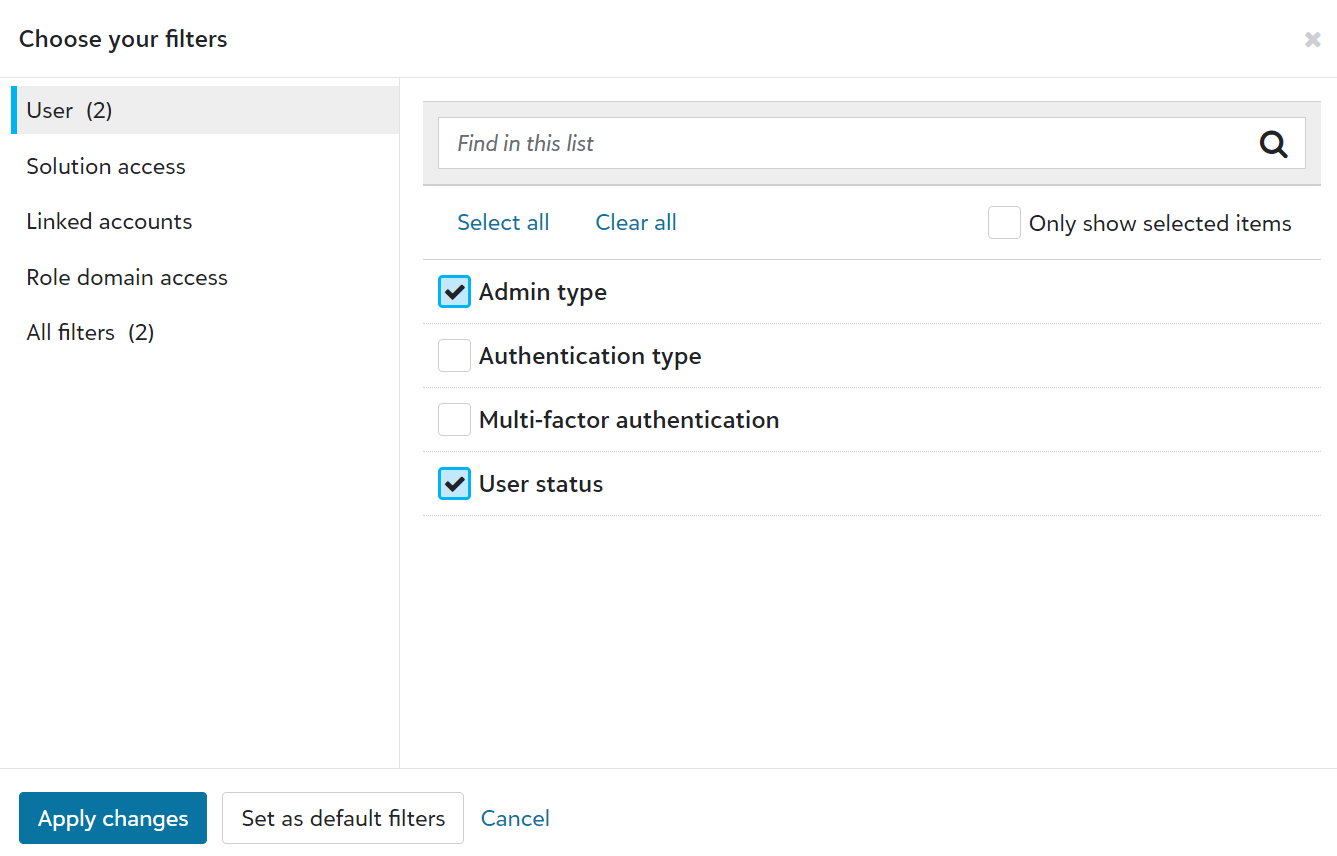
Use solution access, linked accounts, roles, admin types, authentication types, and multi-factor authentication statuses as columns and filters.
-
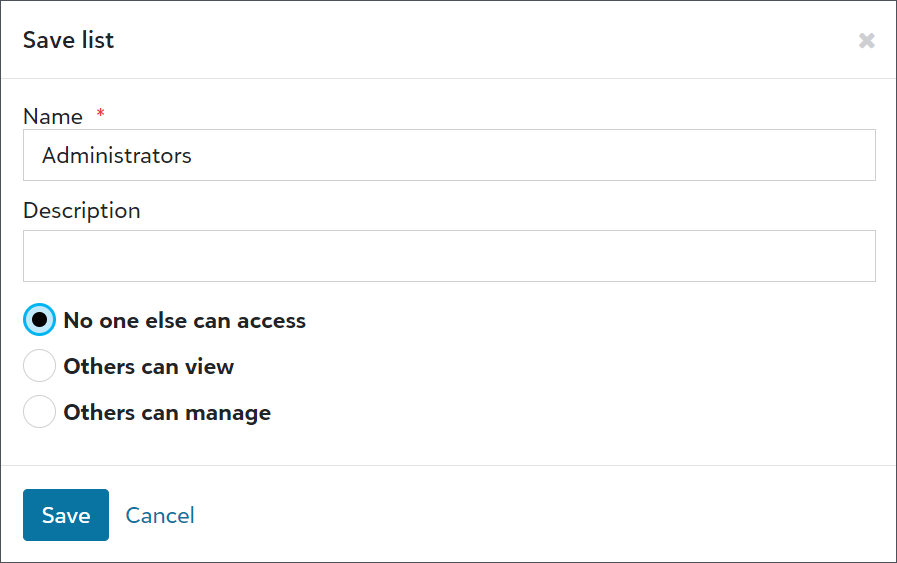
Save lists to easily reference user information.
-
Export user lists for compliance reviews or to analyze data alongside third-party data, such as from Human Resources or your organization’s Identity and Access Management (IAM) group.

-
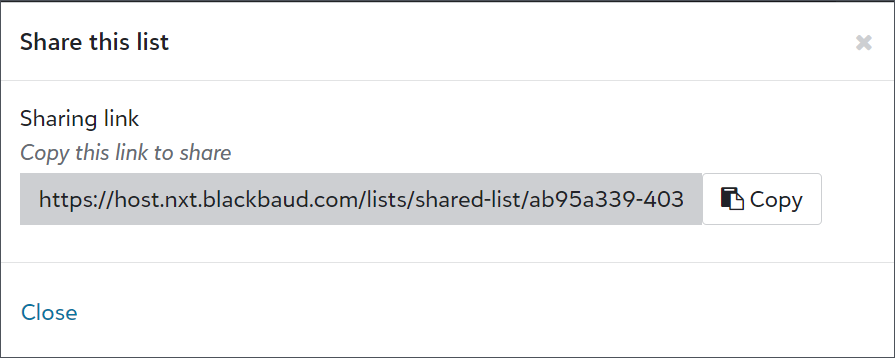
Share user lists with other admins.
Comments
-
I'm so excited to see the additions to the web view Event module. Being the only one who really uses database view in my department it is nice to have more options now in web view for the others. Cannot wait for seating capabilities!
0 -
We are using Events for the first time, and I'm hoping for better filtering on duplicate constituents. We predominantly use the husband as the constituent, but a majority of the online RSVPs are being completed by the wives, so we are ending up with duplicate households.
0







Categories
- All Categories
- 6 Blackbaud Community Help
- 213 bbcon®
- 1.4K Blackbaud Altru®
- 403 Blackbaud Award Management™ and Blackbaud Stewardship Management™
- 1.1K Blackbaud CRM™ and Blackbaud Internet Solutions™
- 15 donorCentrics®
- 360 Blackbaud eTapestry®
- 2.6K Blackbaud Financial Edge NXT®
- 656 Blackbaud Grantmaking™
- 577 Blackbaud Education Management Solutions for Higher Education
- 3.2K Blackbaud Education Management Solutions for K-12 Schools
- 939 Blackbaud Luminate Online® and Blackbaud TeamRaiser®
- 84 JustGiving® from Blackbaud®
- 6.6K Blackbaud Raiser's Edge NXT®
- 3.7K SKY Developer
- 248 ResearchPoint™
- 119 Blackbaud Tuition Management™
- 165 Organizational Best Practices
- 241 Member Lounge (Just for Fun)
- 34 Blackbaud Community Challenges
- 37 PowerUp Challenges
- 3 (Open) PowerUp Challenge: Grid View Batch
- 3 (Closed) PowerUp Challenge: Chat for Blackbaud AI
- 3 (Closed) PowerUp Challenge: Data Health
- 3 (Closed) Raiser's Edge NXT PowerUp Challenge: Product Update Briefing
- 3 (Closed) Raiser's Edge NXT PowerUp Challenge: Standard Reports+
- 3 (Closed) Raiser's Edge NXT PowerUp Challenge: Email Marketing
- 3 (Closed) Raiser's Edge NXT PowerUp Challenge: Gift Management
- 4 (Closed) Raiser's Edge NXT PowerUp Challenge: Event Management
- 3 (Closed) Raiser's Edge NXT PowerUp Challenge: Home Page
- 4 (Closed) Raiser's Edge NXT PowerUp Challenge: Standard Reports
- 4 (Closed) Raiser's Edge NXT PowerUp Challenge: Query
- 794 Community News
- 2.9K Jobs Board
- 54 Blackbaud SKY® Reporting Announcements
- 47 Blackbaud CRM Higher Ed Product Advisory Group (HE PAG)
- 19 Blackbaud CRM Product Advisory Group (BBCRM PAG)