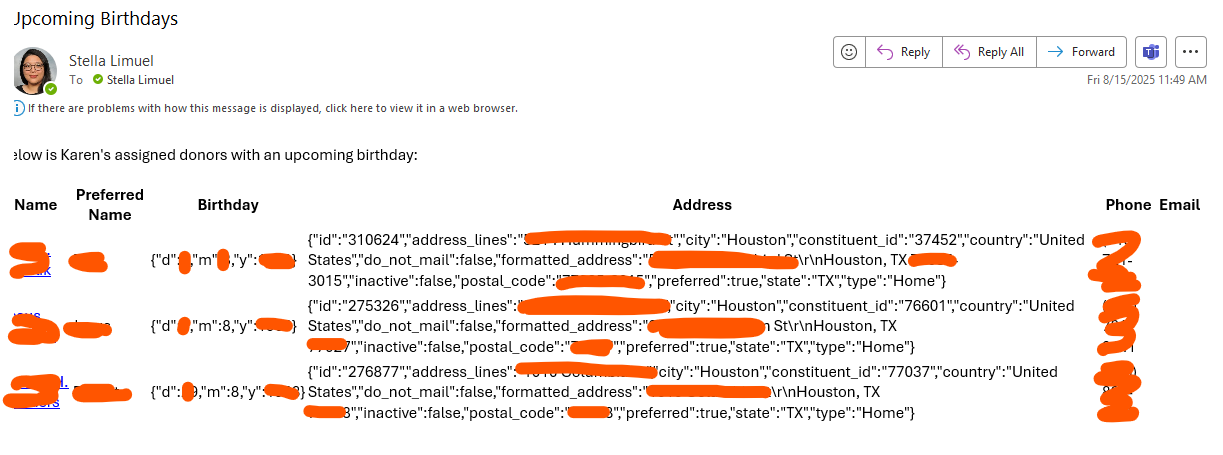
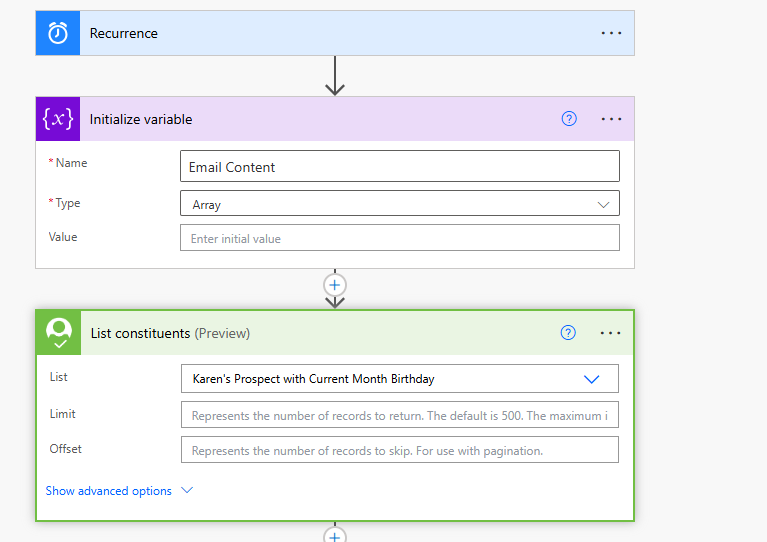
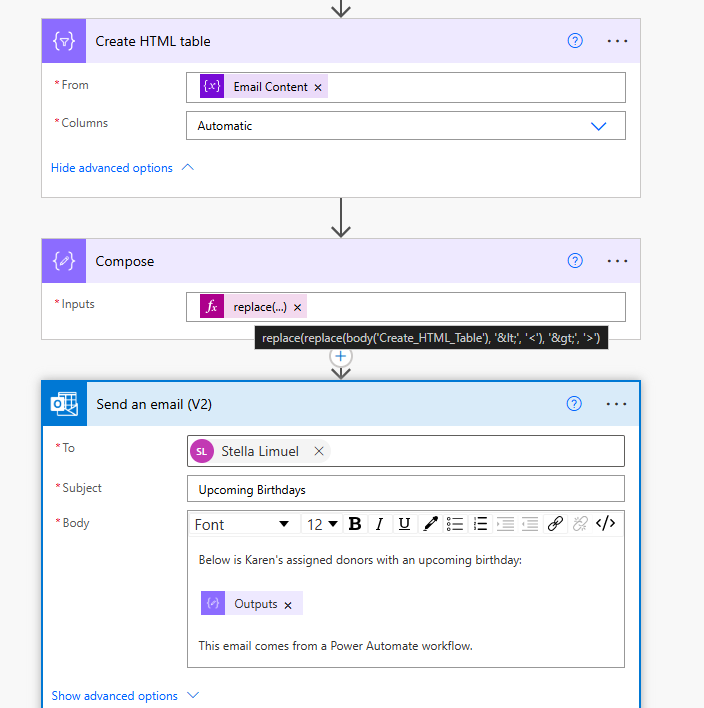
Help! I'm a very beginner Power Automate user. I can't figure out why my HTML table formatting is so weird. Sometimes, it displays okay, and sometimes, it's like this. Also included is the flow. TIA!
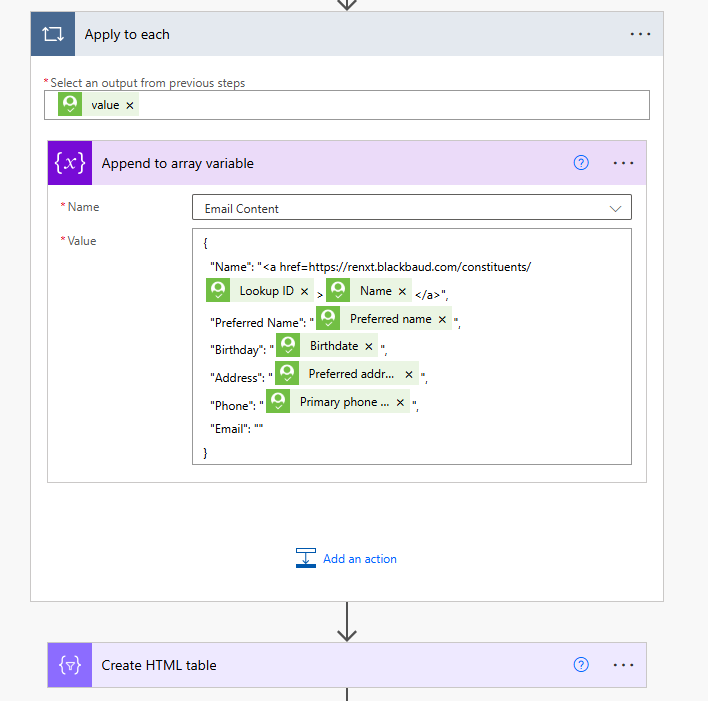
The action Append to array variable where you add each of the constituent to show in the rows of the table is incorrectly done. This wouldn't be a "sometime works sometime doesn't" situation.
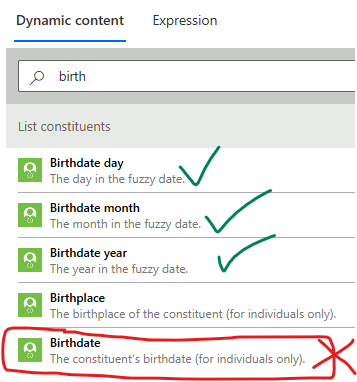
Birthdate is a "fuzzy date", which basically means this dynamic content is going to give you a JSON object of "m" (for month), "d" (for day), and "y" (for year). There are 3 other dynamic contents that will give you directly the month, day, and year:
What you need to determine to do is how you want to display the Birthday column/field when some pieces of info is missing (i.e. missing day, or missing month and day, or missing year). One easy option (not best in display) is to just do: Month(#) Day(#) Year(####).
i.e
Month(1) Day(15) Year(1999) Month(3) Day() Year(2001)
This is the same with Address, you are using the dynamic content that is the preferred address object (object that has many properties like city, state, postcode, country). If you simply add this dynamic content, you are only going to display the object {"id":"123","address_lines":"1223 main"…..}
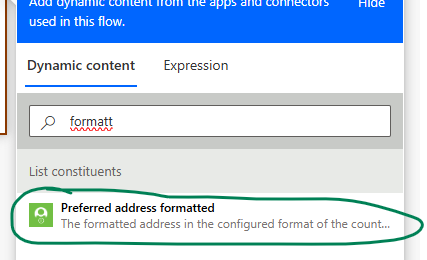
Instead look for Preferred address formatted
Sorry for the late reply… but that explains a lot of things. Thank you so much for this!